Round image corners
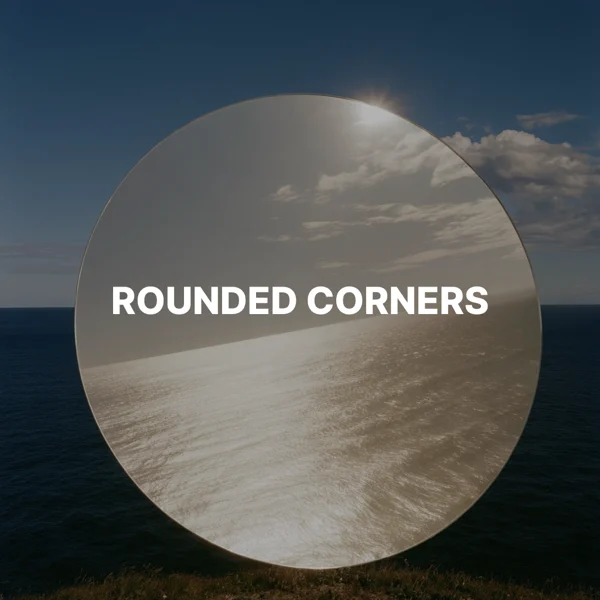
Add transparent rounded corners to an image.Free to use in your browser, with no sign-in.
Drop an image hereor click to choose a PNG, JPG, or WebP file. Up to 20 MB.
How to round image corners
1. Choose an image
Choose a PNG, JPG, or WebP file up to 20 MB, or drop it onto the editor.
2. Set the corner radius
Drag the slider from 0 to 200 px. The default is 32 px.
3. Download image
Click Download image to save the result. PNG and WebP keep their format. JPG downloads as PNG to preserve transparency.
FAQ
JPG cannot store transparency. The download is saved as PNG so the rounded corners stay transparent.
The radius is measured in pixels of the original image. Larger values make rounder corners, up to half the shorter side. The slider also has a limit of 200 px.
Yes. The area outside the rounded corners is transparent.
Use rounded corners for profile images, cards, slides, or app icon mockups.
No. The width and height stay the same.
No. Your image is processed on your device and is not sent to our servers.
No. All image tools are free to use, with no sign-in.