Tools
Explore
Collections
Tools
Blog
Sign in
Image tools for your next project.
Convert, edit, and analyze images in your browser.
Free to use in your browser, with no sign-in.
Image tools
All
52
Editor
36
Converter
10
Utility
6
Popular
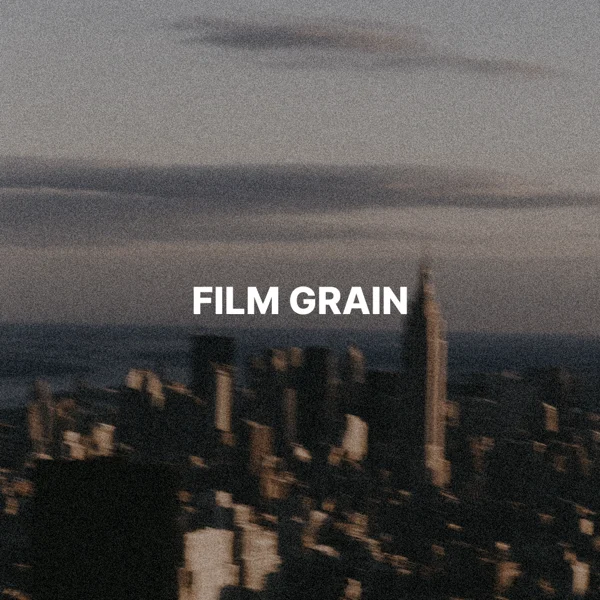
Film grain
Add a light or strong film texture.
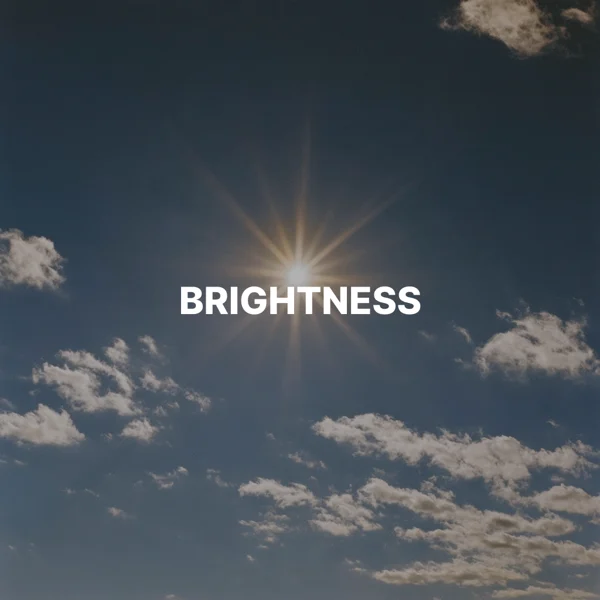
Image brightness
Brighten or darken an image.
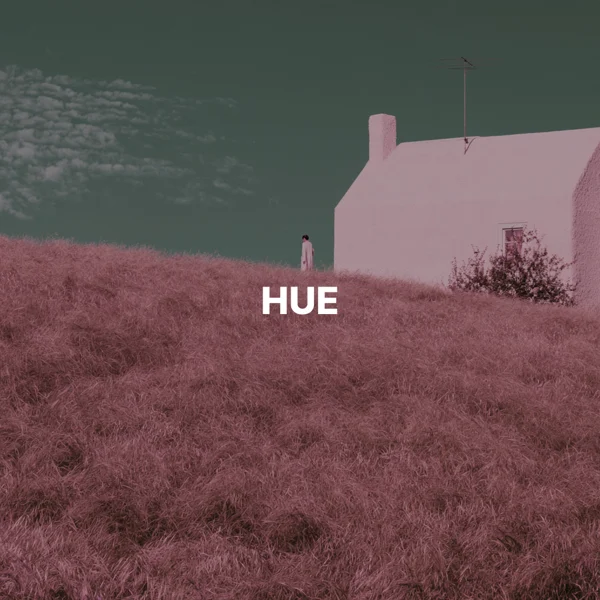
Image hue changer
Shift colors with a hue slider.
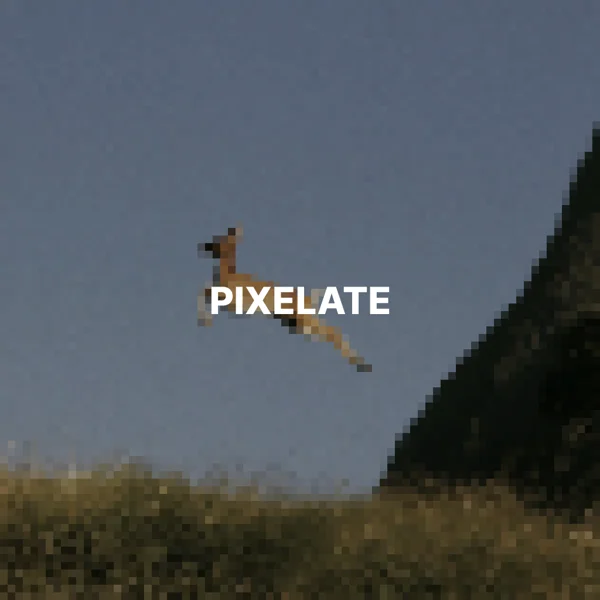
Pixelate image
Turn an image into blocks of color.
AVIF to PNG
Keep transparency and the original pixel size.
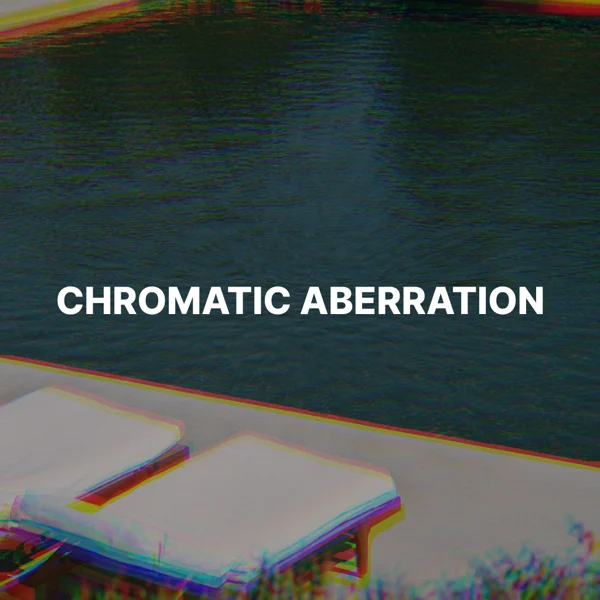
Chromatic aberration
Add red and blue color fringes.
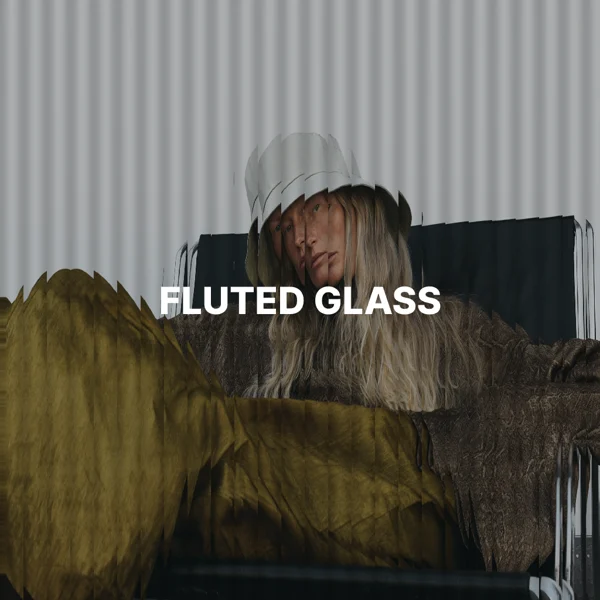
Fluted glass effect
Distort an image through reeded glass ribs.
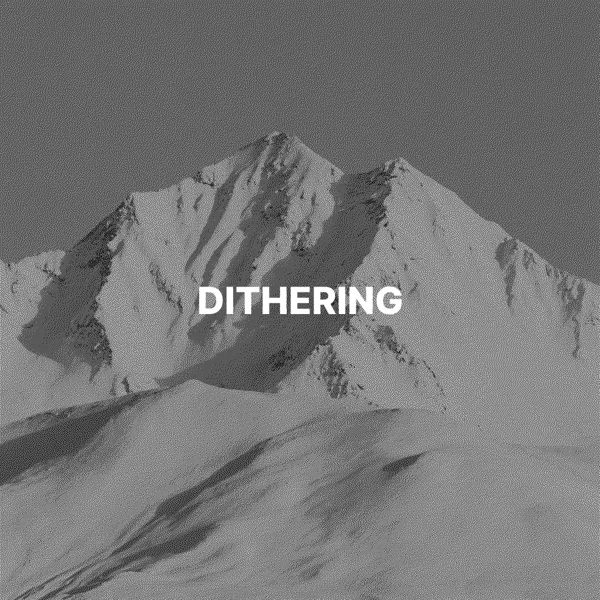
Image dithering
Turn tones into a black and white pattern.
Image to ThumbHash
Create a compact image placeholder.
WebP to PNG
Keep transparent areas and pixel dimensions.
Black and white threshold
Turn pixels pure black or white.
Flip image
Mirror an image horizontally or vertically.
GIF to PNG
Save the first frame as a still image.
Halation and bloom
Add a film glow around highlights.
Image to ASCII art
Redraw an image with text characters.
Resize image
Set the width and height in pixels.
Vignette
Darken the edges to focus on the center.
AI image metadata reader
Read prompts and settings saved in a PNG.
AVIF to JPG
Set the quality and fill transparent areas.
Blur image
Soften an image with an adjustable blur.
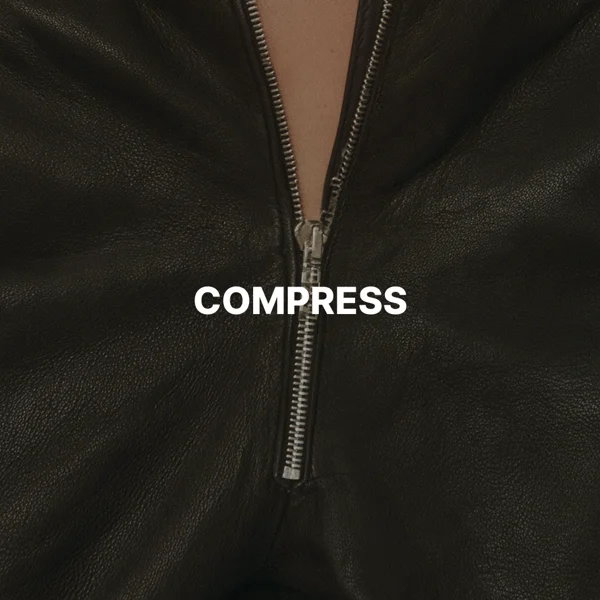
Compress image
Reduce the file size of a JPG or WebP.
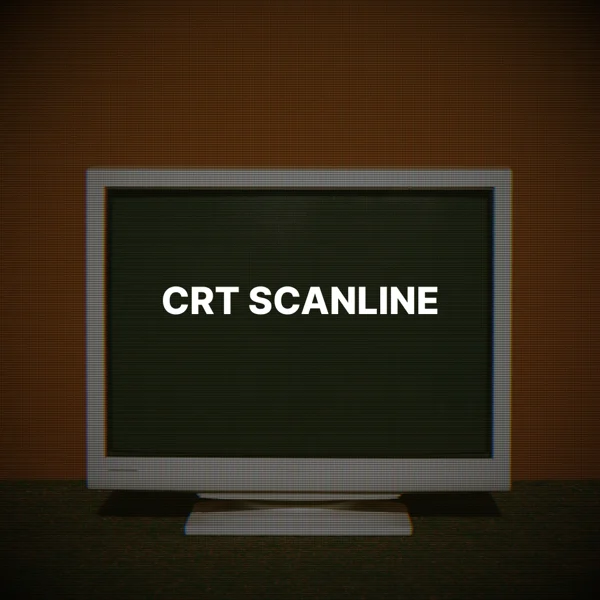
CRT scanline effect
Add scanlines and an old screen look.
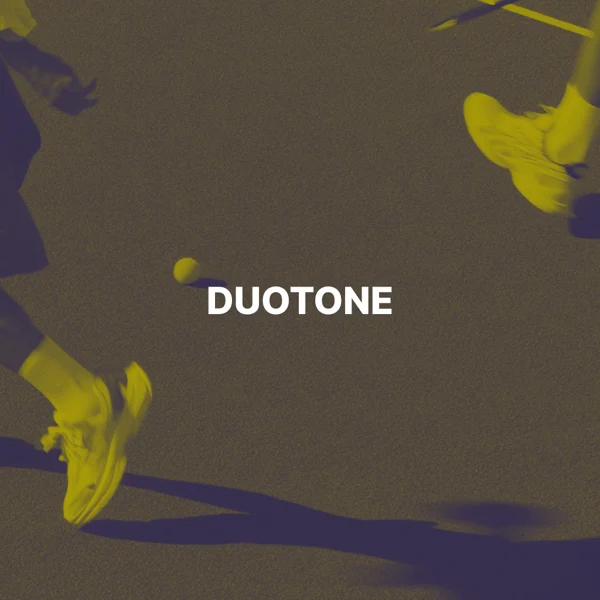
Duotone image
Map shadows and highlights to two colors.
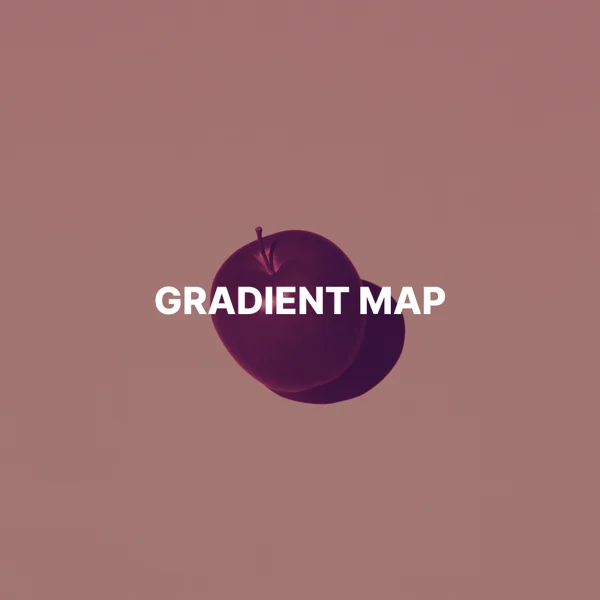
Gradient map
Recolor tones with a three-color gradient.
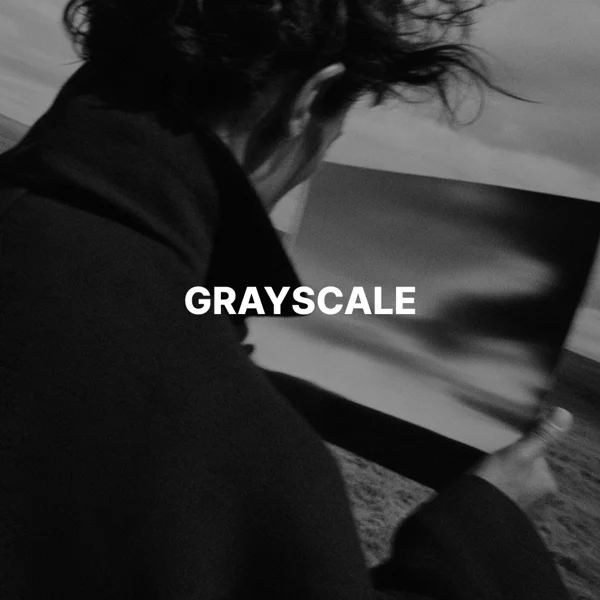
Grayscale image
Remove some or all of the color.
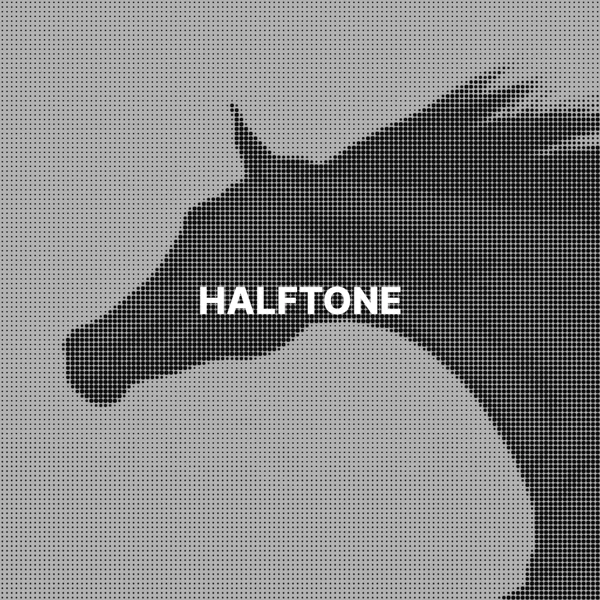
Halftone image effect
Turn an image into black halftone dots.
Image aspect ratio calculator
Find image dimensions for any aspect ratio.
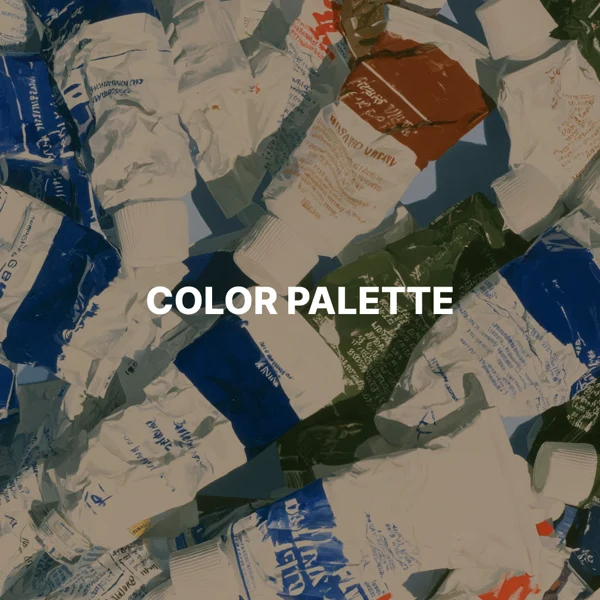
Image color palette extractor
Find and copy the main colors as HEX codes.
Image contrast
Increase or reduce the contrast.
Image metadata remover
Remove EXIF, prompts, and other hidden data.
Image padding
Add even space and a background color.
Image saturation
Make colors more vivid or more muted.
Image to BlurHash
Create a blurred loading placeholder.
Instagram image resizer
Fit an image to a post or story.
Invert colors
Turn colors into their opposites.
JPG to PNG
Save a JPG as a PNG at the same pixel size.
JPG to WebP
Choose the quality for images on the web.
Light leak
Add a warm film light leak.
Photocopy effect
Make an image look photocopied.
Pinterest pin resizer
Fit an image to a standard or square pin.
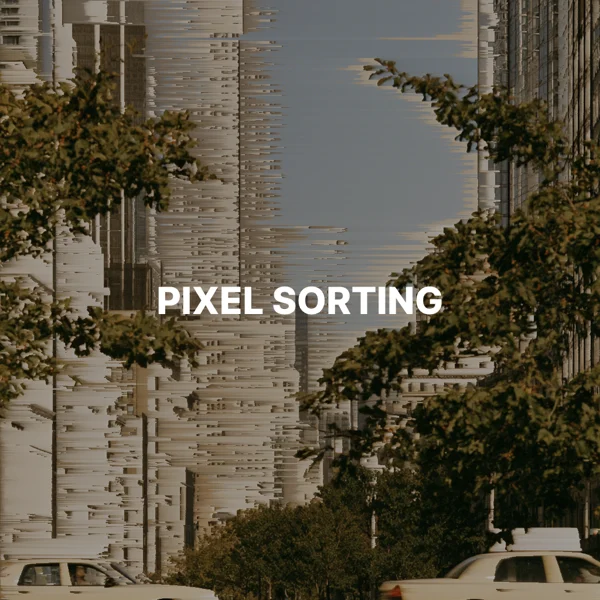
Pixel sorting
Sort bright pixels into glitch streaks.
PNG to JPG
Set the quality and fill transparent areas.
PNG to WebP
Choose the quality and keep transparent areas.
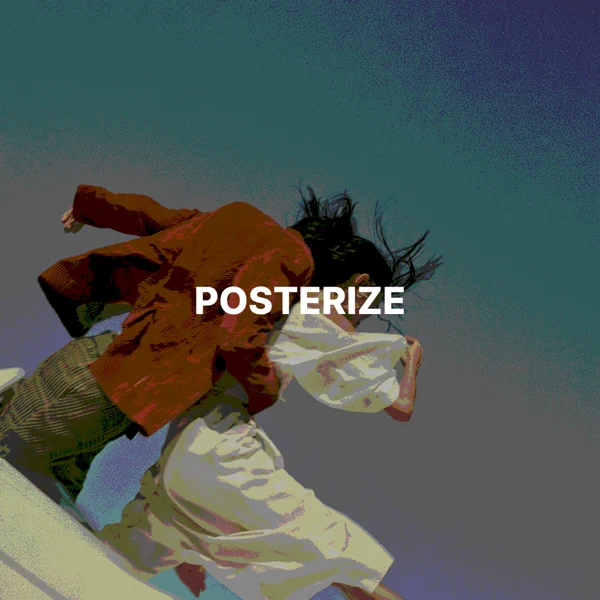
Posterize image
Reduce color levels for a graphic look.
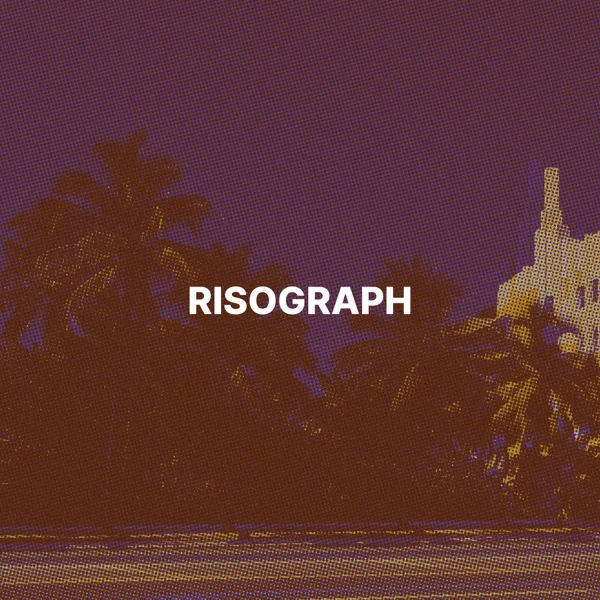
Risograph print effect
Print an image with two inks and offset dots.
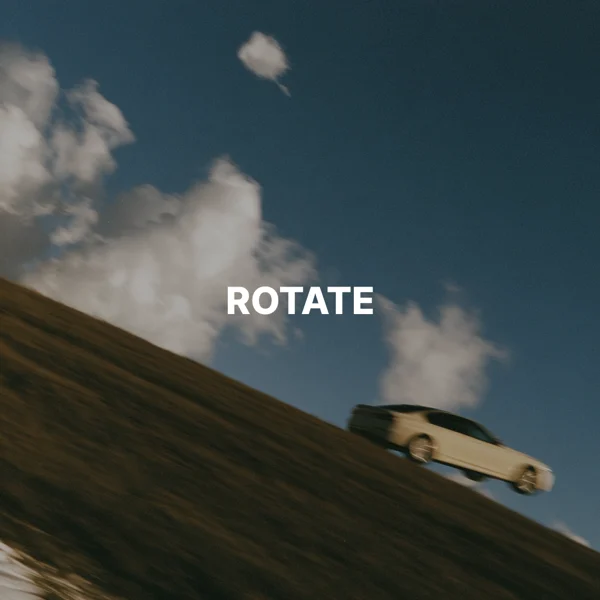
Rotate image
Turn an image by 90, 180, or 270 degrees.
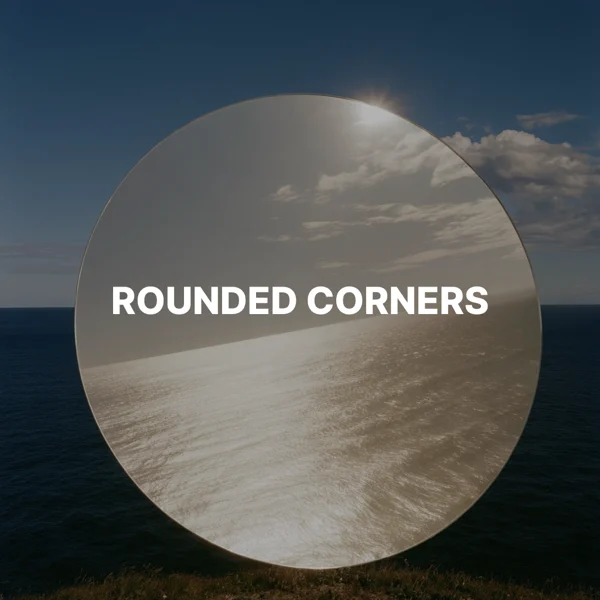
Rounded corners
Add transparent rounded corners.
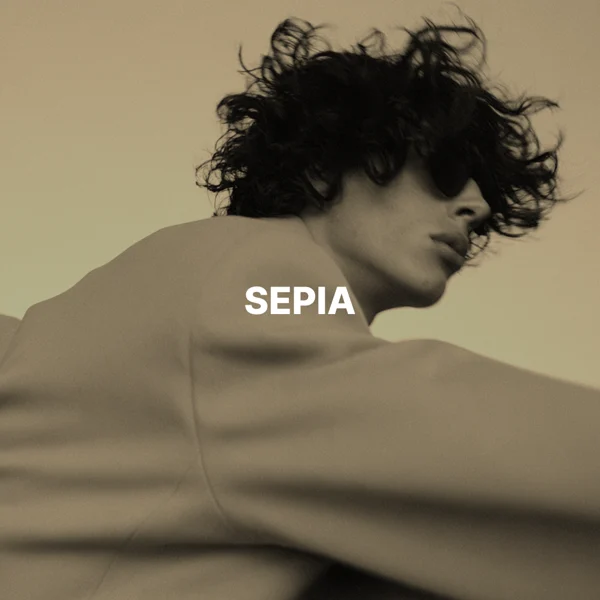
Sepia image
Give an image a warm sepia tone.
SVG to PNG
Export vector graphics at the width you need.
TikTok photo resizer
Fit an image to a vertical 1080 × 1920 px frame.
WebP to JPG
Set the quality and fill transparent areas.
X header and image resizer
Fit an image to an X header or post.