Change image hue
Shift the colors in an image with a hue slider.Free to use in your browser, with no sign-in.
Drop an image hereor click to choose a PNG, JPG, or WebP file. Up to 20 MB.
How to change the hue of an image
1. Choose an image
Choose a PNG, JPG, or WebP file up to 20 MB, or drop it onto the editor.
2. Rotate the hue
Drag the slider from 0 to 360 degrees to shift the colors around the color wheel.
3. Download image
Click Download image to save the result in the original file format.
FAQ
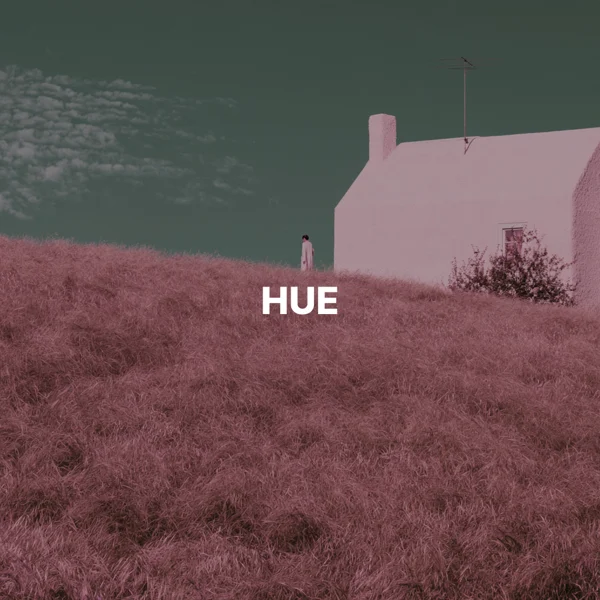
It shifts colors across the image. Blues can become greens or purples. Brightness and color intensity may also change.
The slider goes from 0 to 360 degrees around the color wheel. 0 and 360 keep the original colors, and 180 shifts them to roughly opposite colors.
No. Neutral colors stay the same, because they have no hue to rotate.
Hue shifts colors without reversing light and dark. Invert reverses color values, turning black into white and white into black.
Use it to explore color variations or create surreal effects. The adjustment applies to the whole image.
The download keeps the original format. JPG and WebP use quality 92. PNG uses lossless compression. Effects that add a background can fill transparent areas.
No. Your image is processed on your device and is not sent to our servers.
No. All image tools are free to use, with no sign-in.