Add a fluted glass effect to an image
Distort an image through ribbed, reeded glass.Free to use in your browser, with no sign-in.
Drop an image hereor click to choose a PNG, JPG, or WebP file. Up to 20 MB.
How to add a fluted glass effect
1. Choose an image
Choose a PNG, JPG, or WebP file up to 20 MB, or drop it onto the editor.
2. Shape the ribs
Set the rib width from 8 to 160 px, then adjust the distortion and choose a direction.
3. Download image
Click Download image to save the result in the original file format.
FAQ
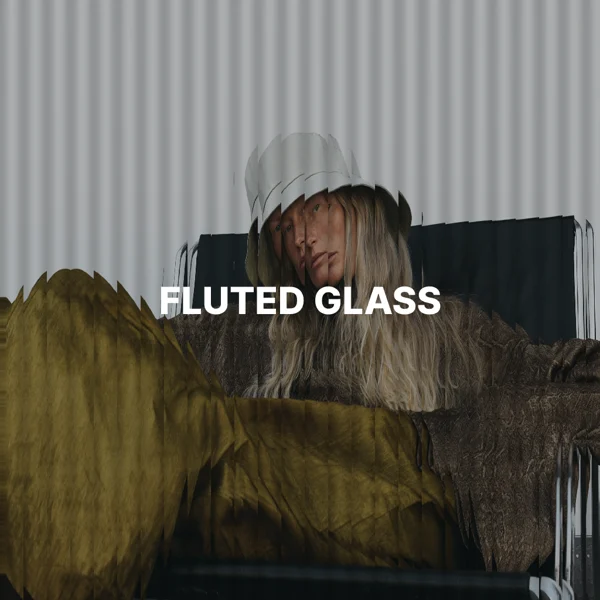
It imitates looking through reeded glass, where ribs bend the image into repeating strips.
The width of each glass strip in pixels of your original image. The default is 40 px.
Higher values stretch each strip more and add stronger light and shade on the ribs. The default is 60.
Vertical ribs suit most images and are the default. Choose horizontal for a banded, landscape look.
Use it for hero backgrounds, posters, and abstract textures that keep the colors of an image.
Yes. Transparency in PNG and WebP files is kept.
The download keeps the original format. JPG and WebP use quality 92. PNG uses lossless compression. Effects that add a background can fill transparent areas.
No. Your image is processed on your device and is not sent to our servers.
No. All image tools are free to use, with no sign-in.