Make an image grayscale
Remove some or all of the color from an image.Free to use in your browser, with no sign-in.
Drop an image hereor click to choose a PNG, JPG, or WebP file. Up to 20 MB.
How to make an image grayscale
1. Choose an image
Choose a PNG, JPG, or WebP file up to 20 MB, or drop it onto the editor.
2. Adjust grayscale strength
Drag the slider to remove some or all of the color. The preview updates as you go.
3. Download image
Click Download image to save the result in the original file format.
FAQ
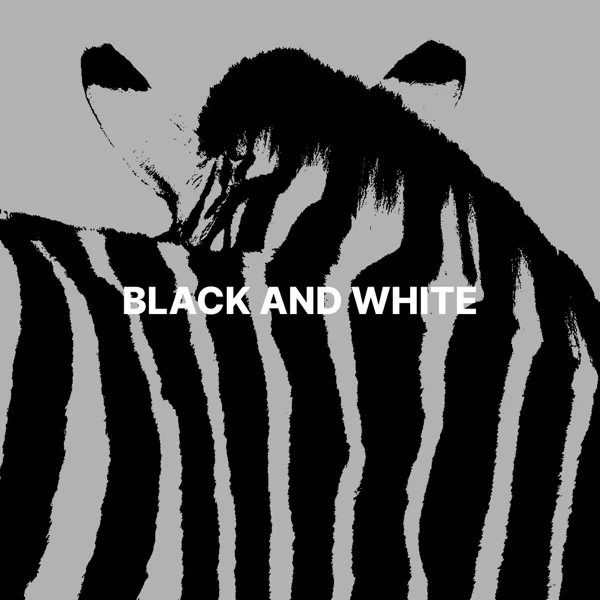
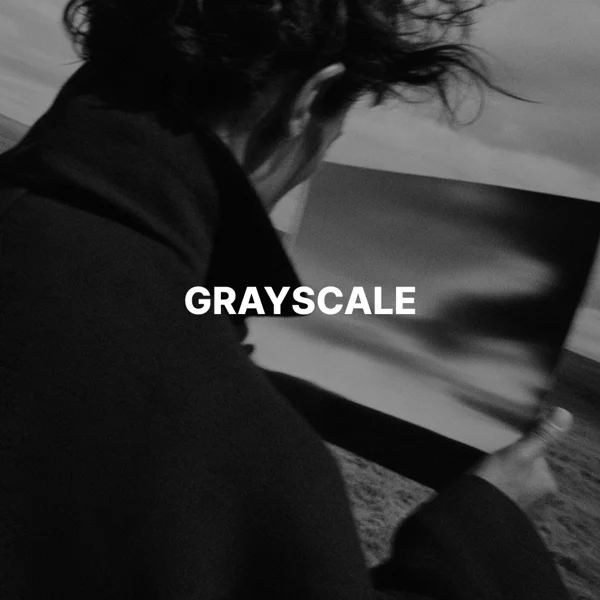
At 100, all color is removed. Lower values keep some of the original color for a muted look.
The tool combines each pixel’s red, green, and blue values into a shade of gray. Green has the most influence on brightness, and blue has the least.
Use grayscale to check contrast and composition, or give a collection of images a consistent look.
A fully grayscale download does not keep the original colors. Keep your original file if you want to use them later.
Yes. Transparent areas in PNG and WebP files stay transparent.
The download keeps the original format. JPG and WebP use quality 92. PNG uses lossless compression. Effects that add a background can fill transparent areas.
No. Your image is processed on your device and is not sent to our servers.
No. All image tools are free to use, with no sign-in.