Pixelate an image
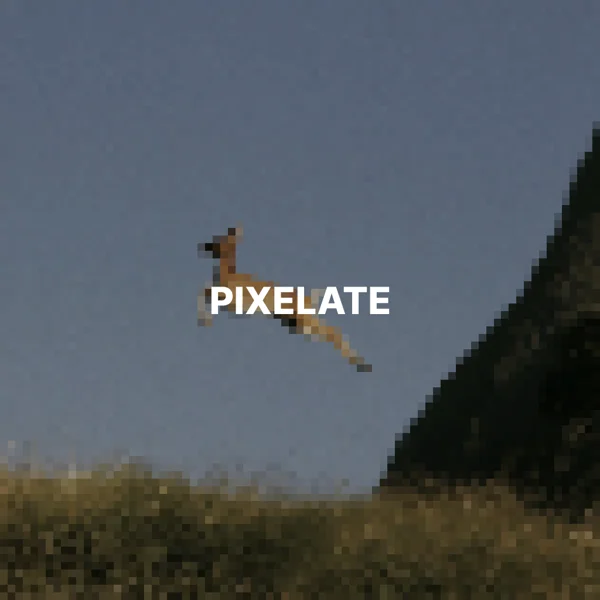
Turn an image into visible blocks of color.Free to use in your browser, with no sign-in.
Drop an image hereor click to choose a PNG, JPG, or WebP file. Up to 20 MB.
How to pixelate an image
1. Choose an image
Choose a PNG, JPG, or WebP file up to 20 MB, or drop it onto the editor.
2. Choose a block size
Drag the slider to set the block size from 2 to 64 px.
3. Download image
Click Download image to save the result in the original file format.
FAQ
The setting controls the approximate block size in the original image. Larger blocks show less detail. The default is 12 px.
Not always. Pixelated text, such as names or numbers, can sometimes be reconstructed. Cover sensitive details with a solid shape instead.
Use pixelation for a retro look, abstract backgrounds, or a simpler composition with fewer details.
Large images use a smaller preview with scaled blocks. Check the download at full size to see the final effect.
The download keeps the original format. JPG and WebP use quality 92. PNG uses lossless compression. Effects that add a background can fill transparent areas.
No. Your image is processed on your device and is not sent to our servers.
No. All image tools are free to use, with no sign-in.