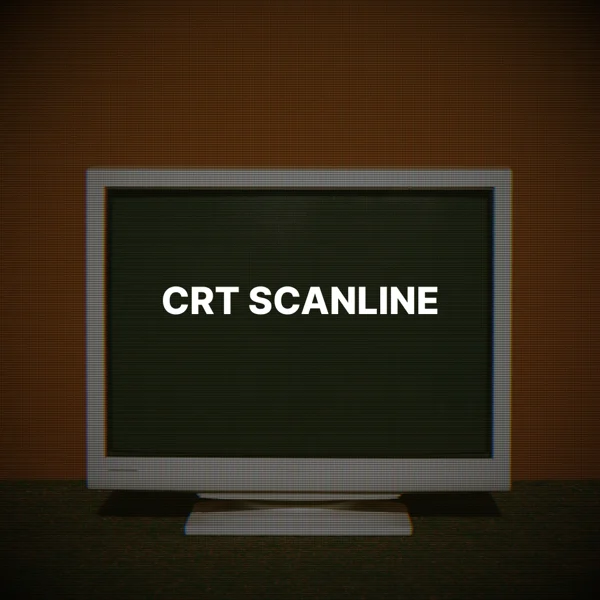
Add a CRT scanline effect to an image
Add scanlines, an RGB mask, and darker edges like an old CRT screen.Free to use in your browser, with no sign-in.
Drop an image hereor click to choose a PNG, JPG, or WebP file. Up to 20 MB.
How to add a CRT scanline effect
1. Choose an image
Choose a PNG, JPG, or WebP file up to 20 MB, or drop it onto the editor.
2. Adjust the strength
Drag the slider to set the effect strength. The default is 60.
3. Download image
Click Download image to save the result in the original file format.
FAQ
Horizontal scanlines, an RGB phosphor mask, a slight red and blue shift, and darker corners, like an old CRT screen.
Higher values make the scanlines, color mask, and corner darkening more visible.
Yes. Scanline spacing scales with the image height, so the look stays similar at any size.
Use it for retro gaming art, synthwave graphics, and tech or music posters.
The download keeps the original format. JPG and WebP use quality 92. PNG uses lossless compression. Effects that add a background can fill transparent areas.
No. Your image is processed on your device and is not sent to our servers.
No. All image tools are free to use, with no sign-in.