Convert an image to ASCII art
Redraw an image with text characters on a dark background.Free to use in your browser, with no sign-in.
Drop an image hereor click to choose a PNG, JPG, or WebP file. Up to 20 MB.
How to convert an image to ASCII art
1. Choose an image
Choose a PNG, JPG, or WebP file up to 20 MB, or drop it onto the editor.
2. Set the characters
Choose a character size from 6 to 40 px, then pick white or image colors.
3. Download image
Click Download image to save the picture, or Copy text to paste the ASCII art as plain text.
FAQ
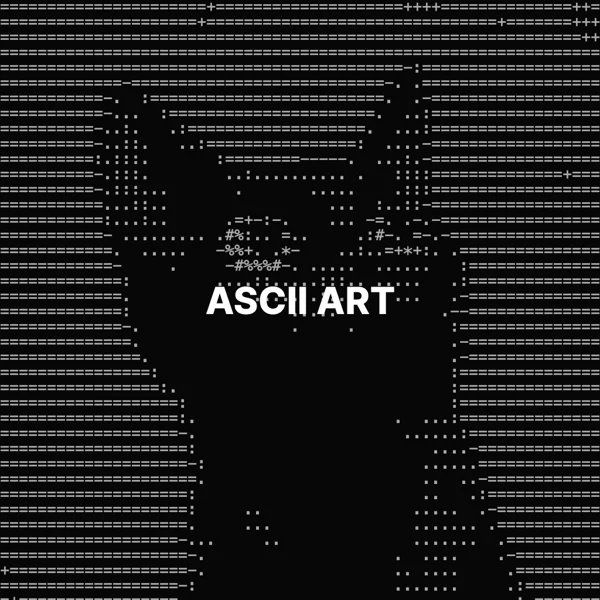
The image is divided into cells, and each cell is replaced by a character that matches its brightness, from a space to @.
The height of each character in pixels of your original image. Smaller characters show more detail. The default is 12 px.
Yes. Choose Image colors to draw each character in the color of its cell, or White for classic ASCII art.
Yes. Click Copy text to copy plain characters, one line per row. Colors are not included in the text.
Paste it where a monospace font is used, such as a code editor or a code block.
The download keeps the original format. JPG and WebP use quality 92. PNG uses lossless compression. Effects that add a background can fill transparent areas.
No. Your image is processed on your device and is not sent to our servers.
No. All image tools are free to use, with no sign-in.