Dither an image
Turn image tones into a black and white dithered pattern.Free to use in your browser, with no sign-in.
Drop an image hereor click to choose a PNG, JPG, or WebP file. Up to 20 MB.
How to dither an image
1. Choose an image
Choose a PNG, JPG, or WebP file up to 20 MB, or drop it onto the editor.
2. Adjust the threshold
Drag the slider to set the dithering threshold. The default is 128.
3. Download image
Click Download image to save the result in the original file format.
FAQ
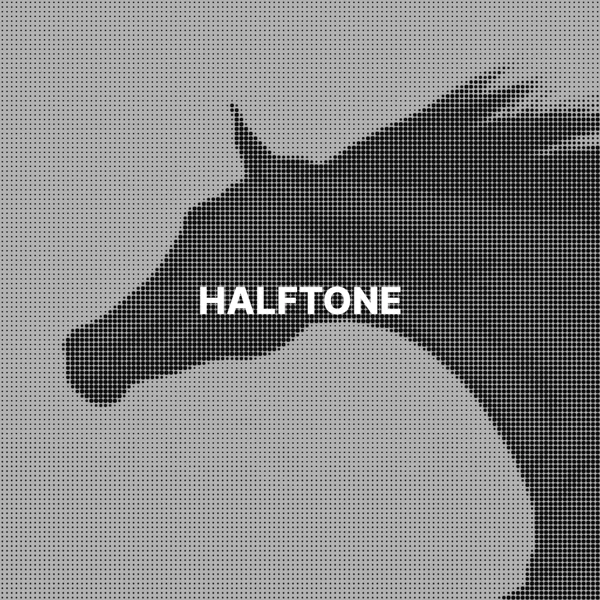
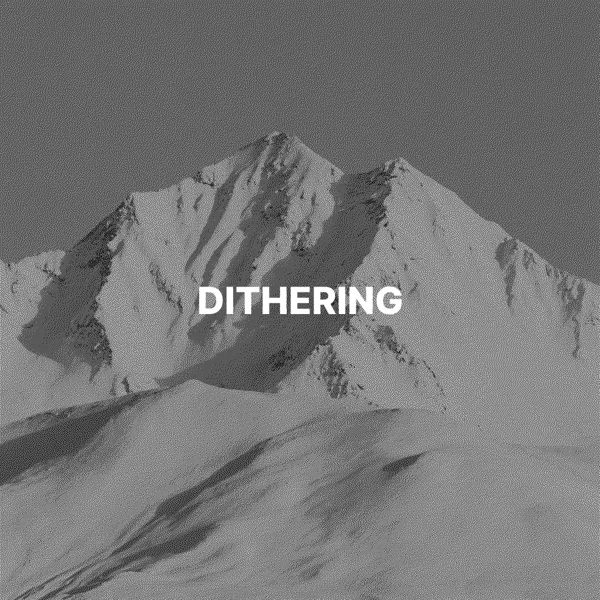
Dithering creates the look of gray tones with only black and white pixels. Darker areas get more black pixels, and lighter areas get fewer.
Floyd-Steinberg dithering. Each pixel becomes black or white, and the brightness error is passed to nearby pixels to preserve the look of gray tones.
It sets the cutoff between black and white, from 0 to 255. Changing it adjusts the pattern. Start with the default of 128 and check the preview.
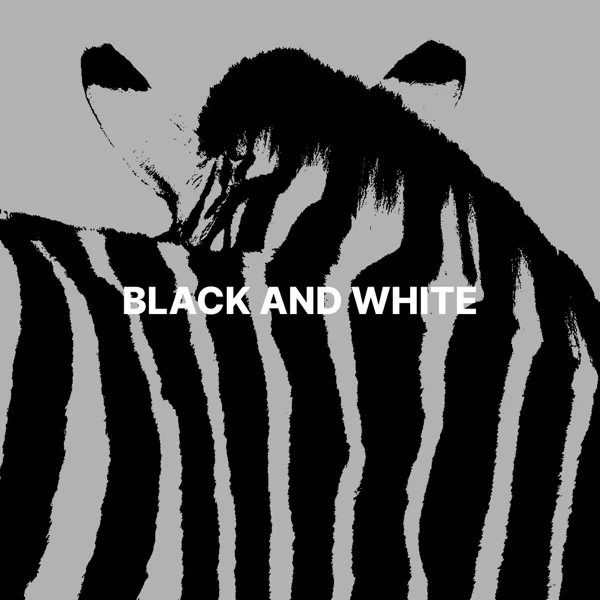
Threshold turns each pixel black or white on its own, which creates flat areas. Dithering spreads the difference to nearby pixels, so gradients stay visible.
Use it for retro graphics, zines, and artwork with a limited black and white palette.
Large images use a smaller preview, so fine patterns can look different. Check the downloaded image at full size.
The download keeps the original format. JPG and WebP use quality 92. PNG uses lossless compression. Effects that add a background can fill transparent areas.
No. Your image is processed on your device and is not sent to our servers.
No. All image tools are free to use, with no sign-in.