Add a photocopy effect to an image
Turn an image into a high contrast photocopy with toner grain and streaks.Free to use in your browser, with no sign-in.
Drop an image hereor click to choose a PNG, JPG, or WebP file. Up to 20 MB.
How to add a photocopy effect
1. Choose an image
Choose a PNG, JPG, or WebP file up to 20 MB, or drop it onto the editor.
2. Adjust the toner
Drag the slider to set the toner density. The default is 50.
3. Download image
Click Download image to save the result in the original file format.
FAQ
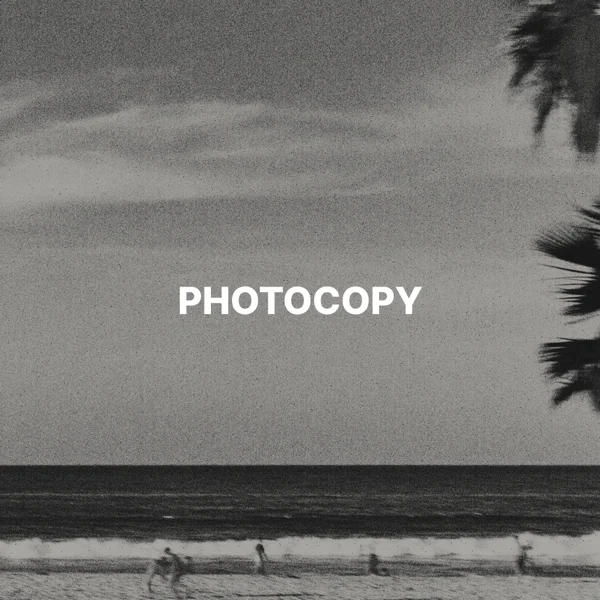
It turns an image into high contrast black toner on off-white paper, with grain, faint streaks, and specks.
Higher values print more of the image in black and add more specks. Lower values give a light, washed out copy.
Yes. It uses near-black toner on warm white paper. Transparent areas become paper.
Yes. The texture pattern is fixed, so the same image and settings give the same result.
Use it for zines, punk posters, collages, and other print-inspired designs.
The download keeps the original format. JPG and WebP use quality 92. PNG uses lossless compression. Effects that add a background can fill transparent areas.
No. Your image is processed on your device and is not sent to our servers.
No. All image tools are free to use, with no sign-in.