Add a risograph effect to an image
Turn an image into a two-ink print with halftone dots and slight misregistration.Free to use in your browser, with no sign-in.
Drop an image hereor click to choose a PNG, JPG, or WebP file. Up to 20 MB.
How to add a risograph effect
1. Choose an image
Choose a PNG, JPG, or WebP file up to 20 MB, or drop it onto the editor.
2. Choose the inks
Pick two ink colors, then set the misregistration from 0 to 32 px.
3. Download image
Click Download image to save the result in the original file format.
FAQ
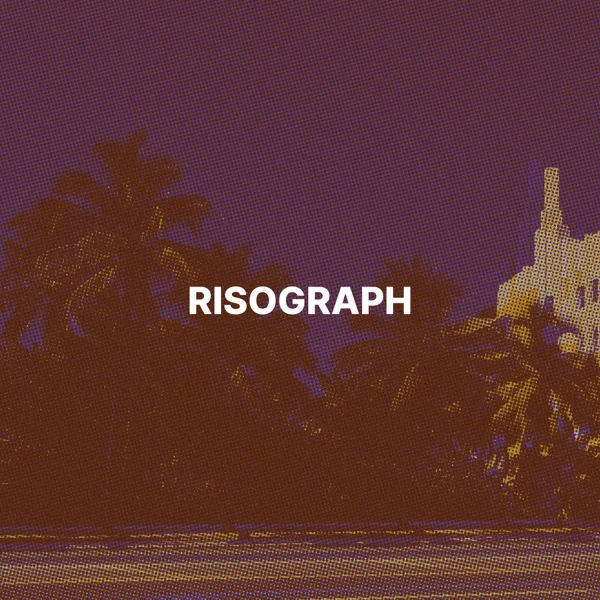
Risograph is a stencil printing method that prints each color as a separate layer of ink, often with visible dots and slight misalignment.
Fluorescent pink #FF48B0 and blue #0078BF, two popular risograph inks. You can choose any two colors.
It shifts the two ink layers in opposite directions, like printing plates that did not line up. The default is 6 px.
The dot grid scales with the image, with about 180 dots across the longer side.
They become the warm off-white paper color.
The download keeps the original format. JPG and WebP use quality 92. PNG uses lossless compression. Effects that add a background can fill transparent areas.
No. Your image is processed on your device and is not sent to our servers.
No. All image tools are free to use, with no sign-in.