Add a halftone effect to an image
Turn an image into a pattern of black halftone dots.Free to use in your browser, with no sign-in.
Drop an image hereor click to choose a PNG, JPG, or WebP file. Up to 20 MB.
How to add a halftone effect
1. Choose an image
Choose a PNG, JPG, or WebP file up to 20 MB, or drop it onto the editor.
2. Adjust the dot spacing
Drag the slider from 4 to 32 px. The default is 12 px.
3. Download image
Click Download image to save the result in the original file format.
FAQ
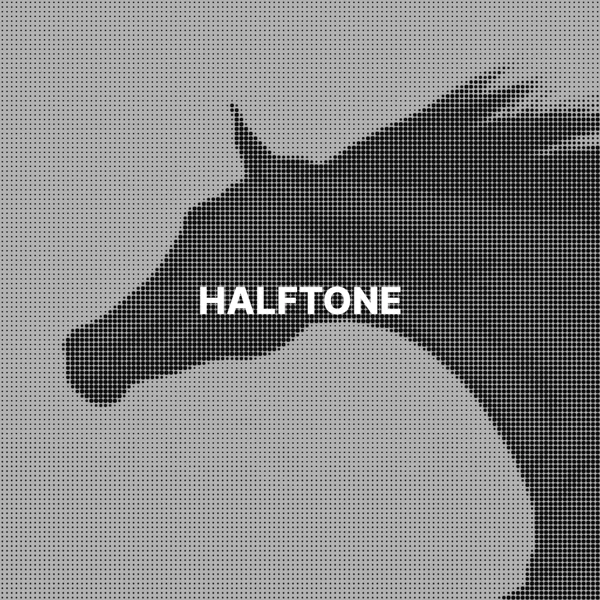
Halftone recreates tones with dots. Dark areas get large dots and light areas get small ones, like printing in newspapers and comics.
It sets the distance between dots, from 4 to 32 px. Wider spacing creates larger dots and less detail. The default is 12 px.
No. The dots are near-black on a white background.
They become white, because the halftone is drawn on a white background.
Use it for posters, comic and pop art styles, and print-inspired graphics.
The download keeps the original format. JPG and WebP use quality 92. PNG uses lossless compression. Effects that add a background can fill transparent areas.
No. Your image is processed on your device and is not sent to our servers.
No. All image tools are free to use, with no sign-in.