Posterize an image
Reduce the number of color levels for a graphic look.Free to use in your browser, with no sign-in.
Drop an image hereor click to choose a PNG, JPG, or WebP file. Up to 20 MB.
How to posterize an image
1. Choose an image
Choose a PNG, JPG, or WebP file up to 20 MB, or drop it onto the editor.
2. Choose color levels
Drag the slider from 2 to 16 levels. The default is 6.
3. Download image
Click Download image to save the result in the original file format.
FAQ
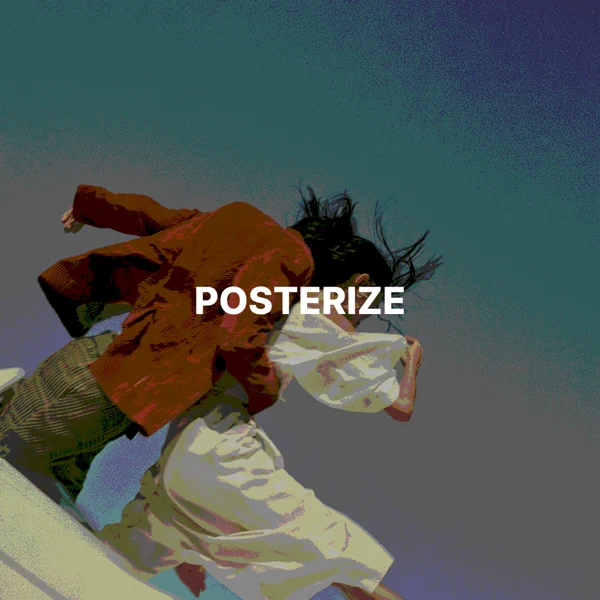
It reduces each color channel to a few levels, turning smooth gradients into flat bands of color.
The setting applies separately to red, green, and blue. Two levels per channel create up to eight color combinations before the image is saved.
Use posterization for bold poster graphics, a screen print look, or simpler shapes to trace.
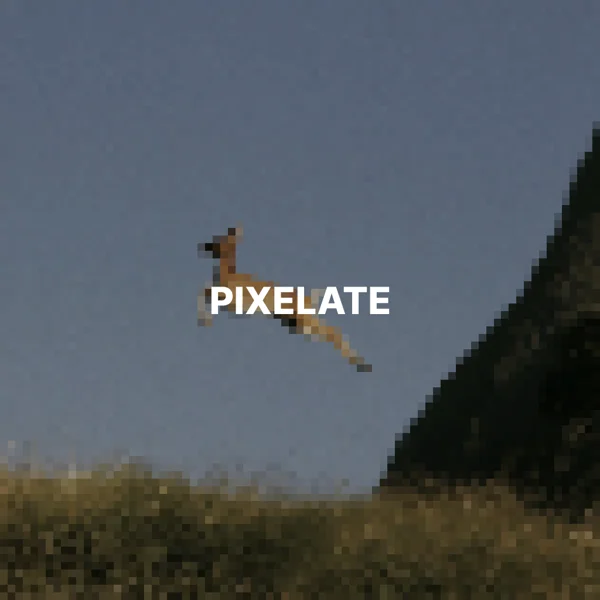
Posterization reduces color levels to create flatter areas. Pixelation groups pixels into visible blocks.
The download keeps the original format. JPG and WebP use quality 92. PNG uses lossless compression. Effects that add a background can fill transparent areas.
No. Your image is processed on your device and is not sent to our servers.
No. All image tools are free to use, with no sign-in.