5 AI prompt platforms for practical design workflows
These 5 AI prompt platforms each handle a different part of design work: browsing community prompts, buying tested templates, studying a single model's feed, tracking trending prompts, and finding image references you can rebuild.
Starting from a prompt that already works is faster than starting from an empty text box. For each platform, we cover what it does, who it suits, and the one limit worth knowing.
PromptHero
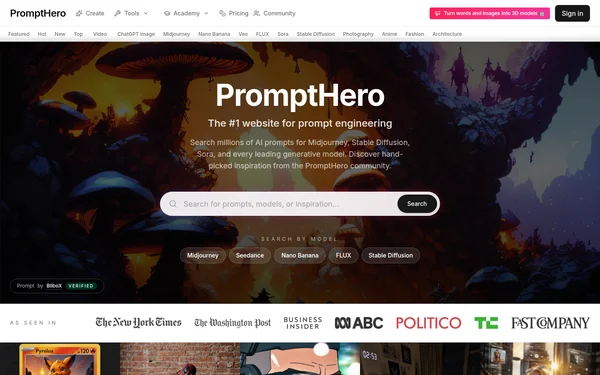
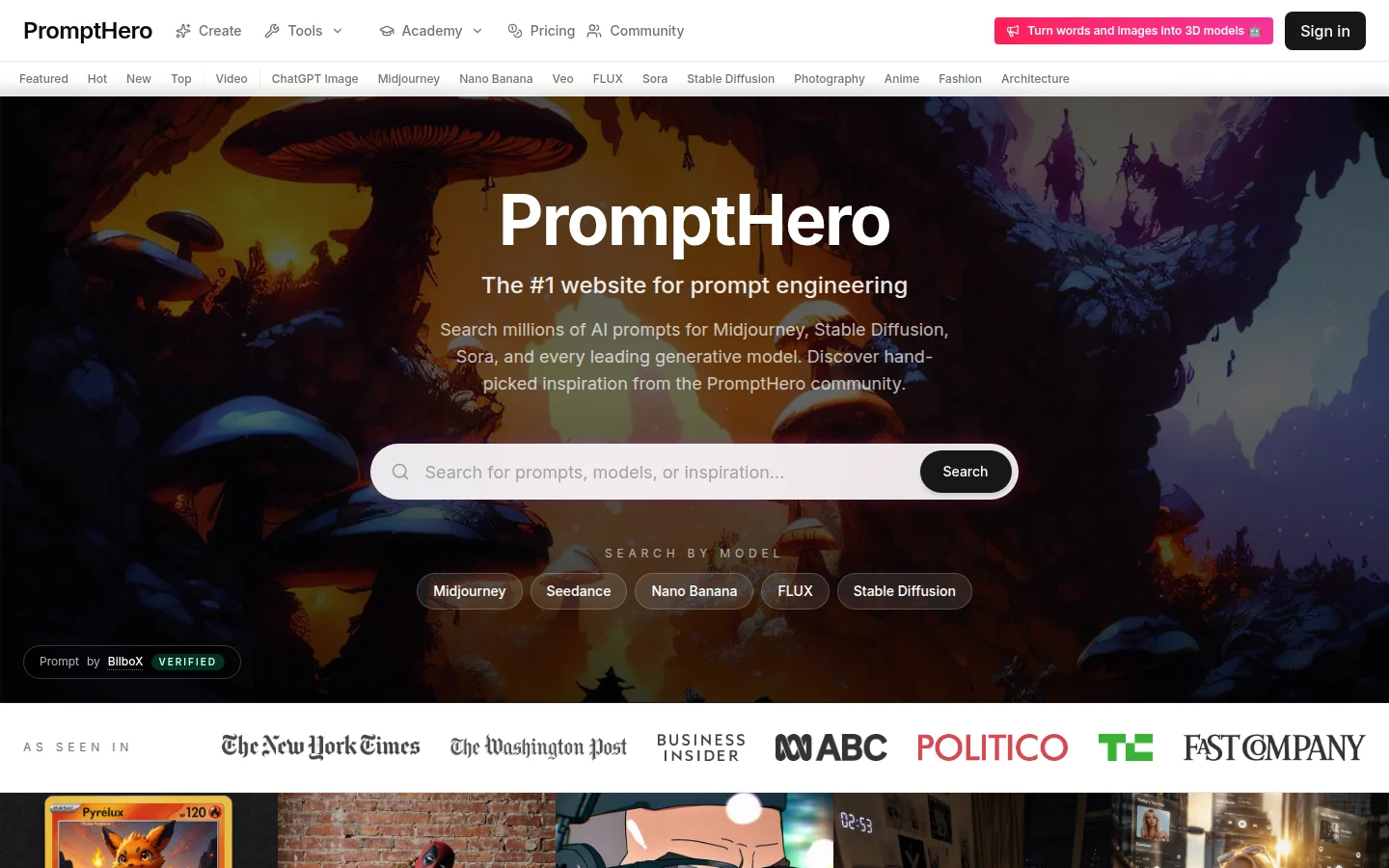
PromptHero is a large community-driven prompt repository tailored around image diffusion models like Midjourney, Stable Diffusion, and DALL-E.
Core features
Displays user-generated images alongside the prompt strings used to generate them.
Provides search filters across specific visual categories, such as 3D renders, vector art, and editorial photography.
Includes beginner courses covering fundamental prompt structures and syntax.
Best suited for
Creators analyzing how different keywords influence stylistic outputs.
Beginners learning prompt syntax from large open-community submissions.
The limit: anyone can post, so quality varies and you will need to filter.
PromptBase
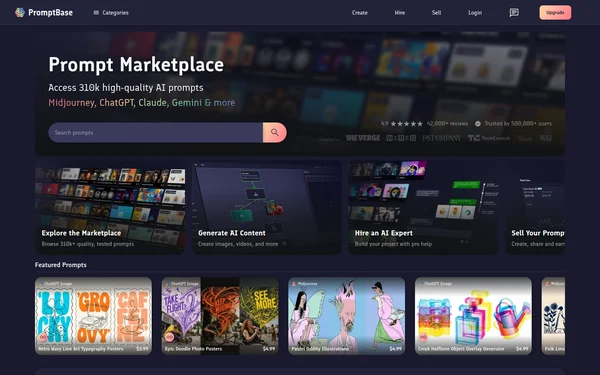
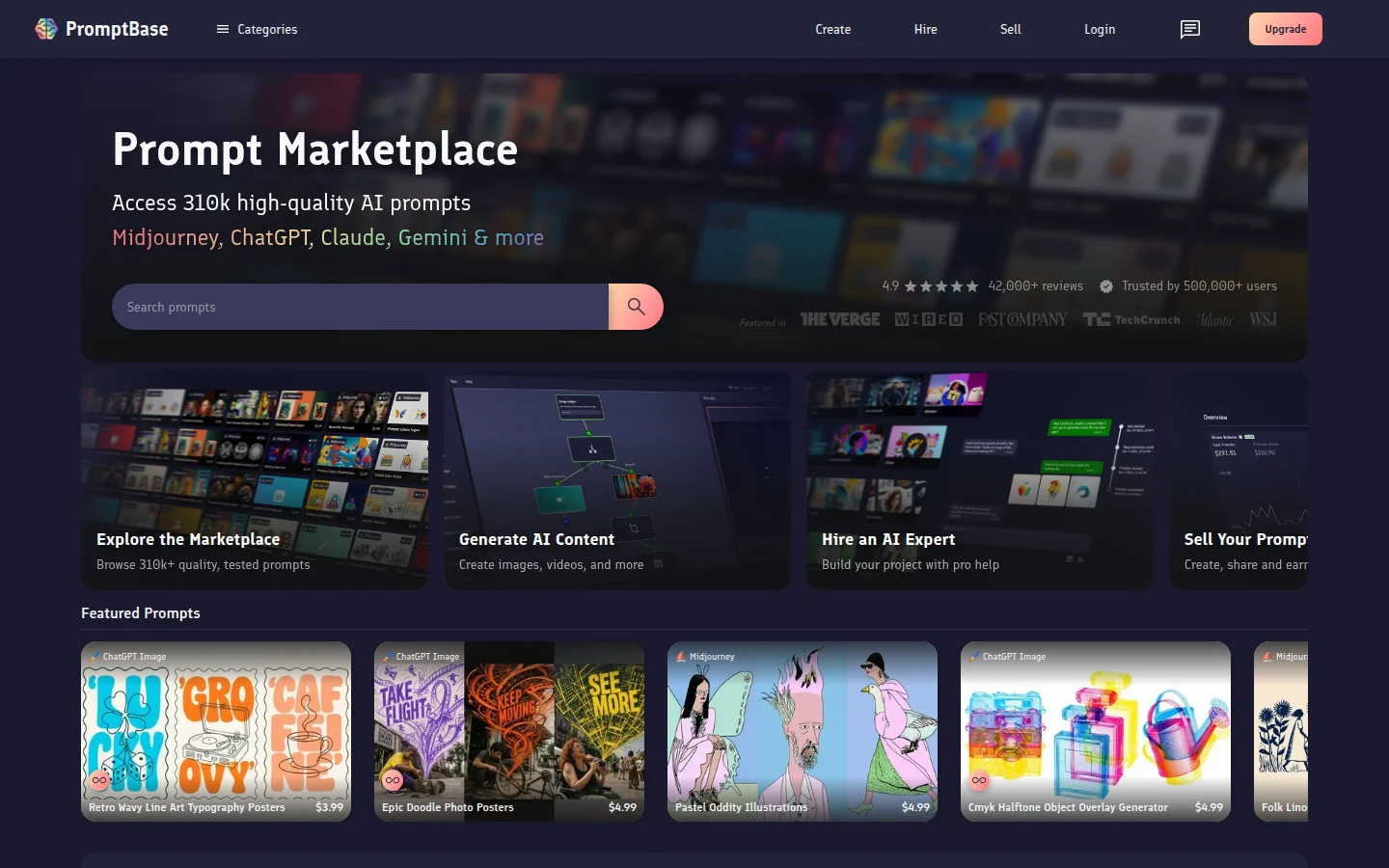
PromptBase is a commercial prompt marketplace where engineers and designers buy and sell tested prompt formulas across image, text, and video models.
Core features
Covers a broad range of models, including Midjourney, FLUX, Stable Diffusion, DALL-E, and Gemini.
Sells tested prompt templates with fixed variables designed for commercial asset consistency, such as icon packs and logo sets.
Enables prompt creators to monetize structured prompt recipes.
Best suited for
Teams needing consistent, repeatable design assets under commercial usage terms.
Prompt creators looking to sell tested prompt recipes.
The limit: you pay per prompt and only see the full prompt after buying.
Midjourney
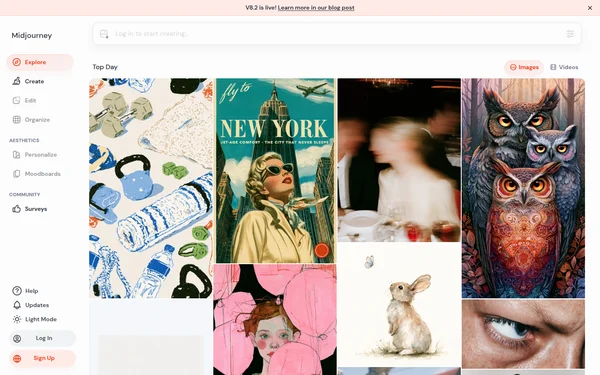
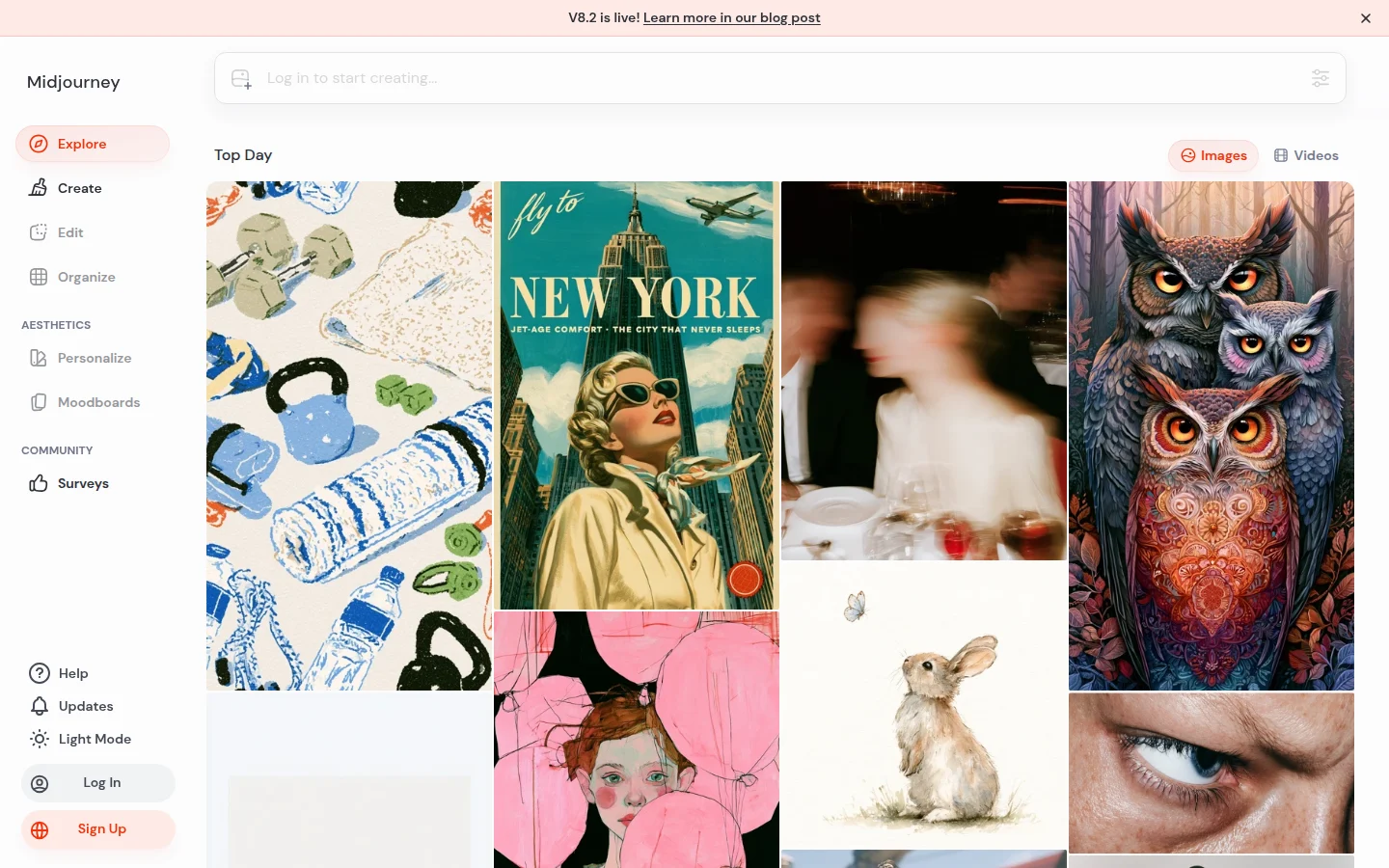
Midjourney's Explore page shows what other users are generating, right inside the official web app.
Core features
Shows a live feed of images from active creators.
Lets you search the feed and open any image to see its prompt and parameters.
Lets you reuse a prompt you like without leaving the app.
Best suited for
Designers who work primarily within Midjourney and want direct access to model-specific parameters.
Creatives tracking real-time visual trends across the platform.
The limit: everything is Midjourney-specific, so parameters like --sref and --stylize do not carry over to other models.
YouMind
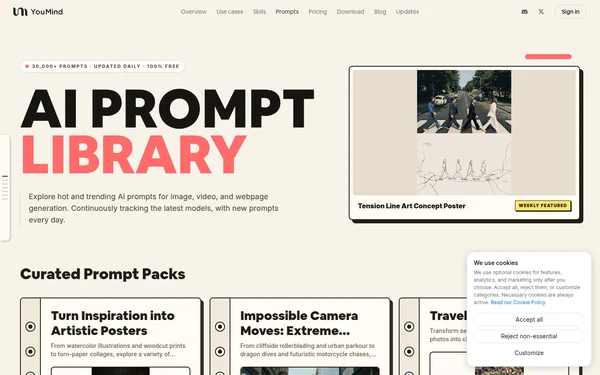
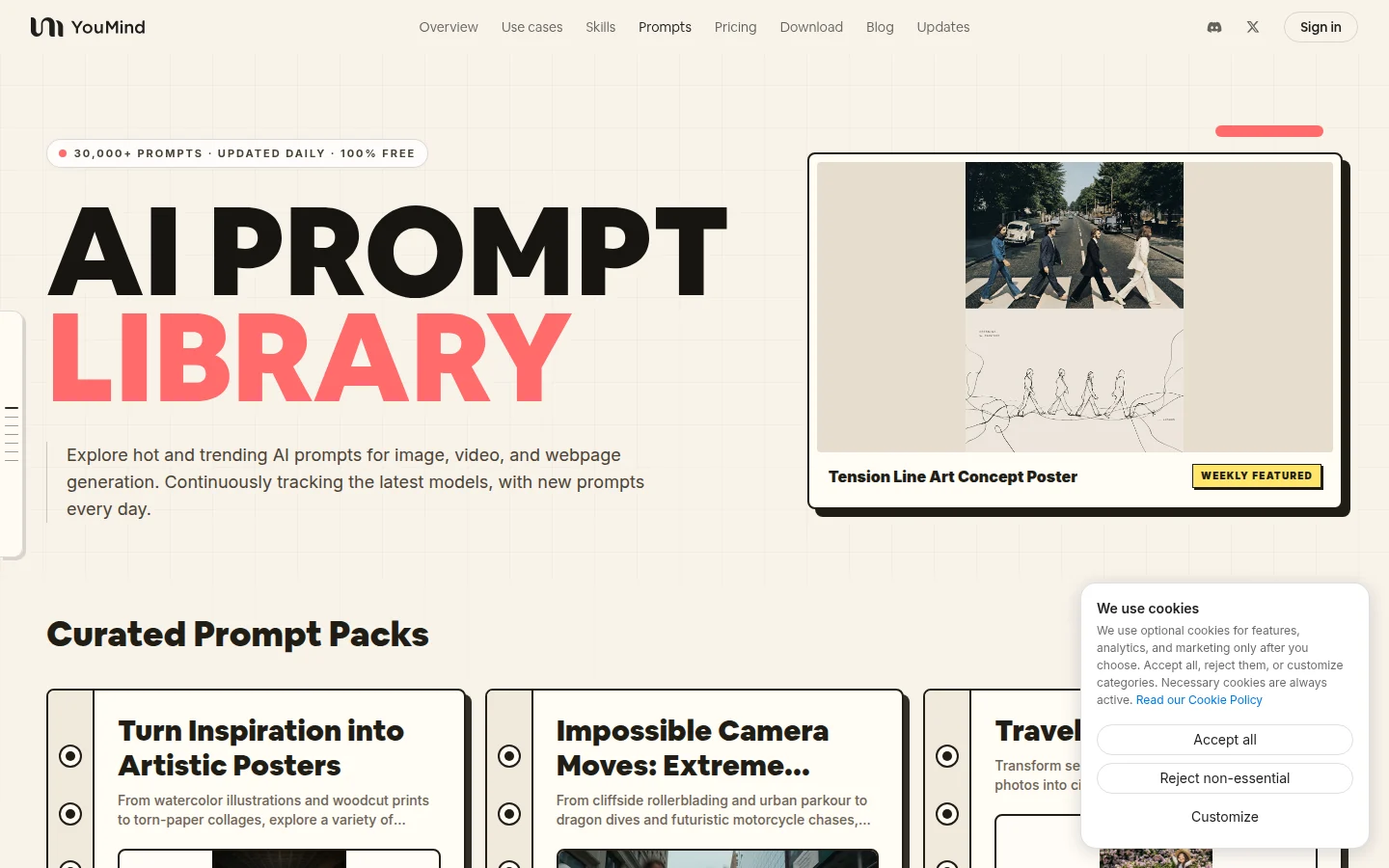
YouMind runs a free prompt library for image, video, and webpage generation, with new prompts added every day.
Core features
Shows the exact prompt behind each result, organized by media, model, and category.
Offers AI search across the library, with filters for model, time range, and engagement.
Includes a free image-to-prompt tool that turns a photo into a detailed prompt.
Best suited for
Creators who want to see which prompts are popular on new models this week.
Teams working across image and video who want one place to browse both.
The limit: the homepage favors what is trending, so for a specific style, start from search and model filters rather than browsing.
ctrlc.ai
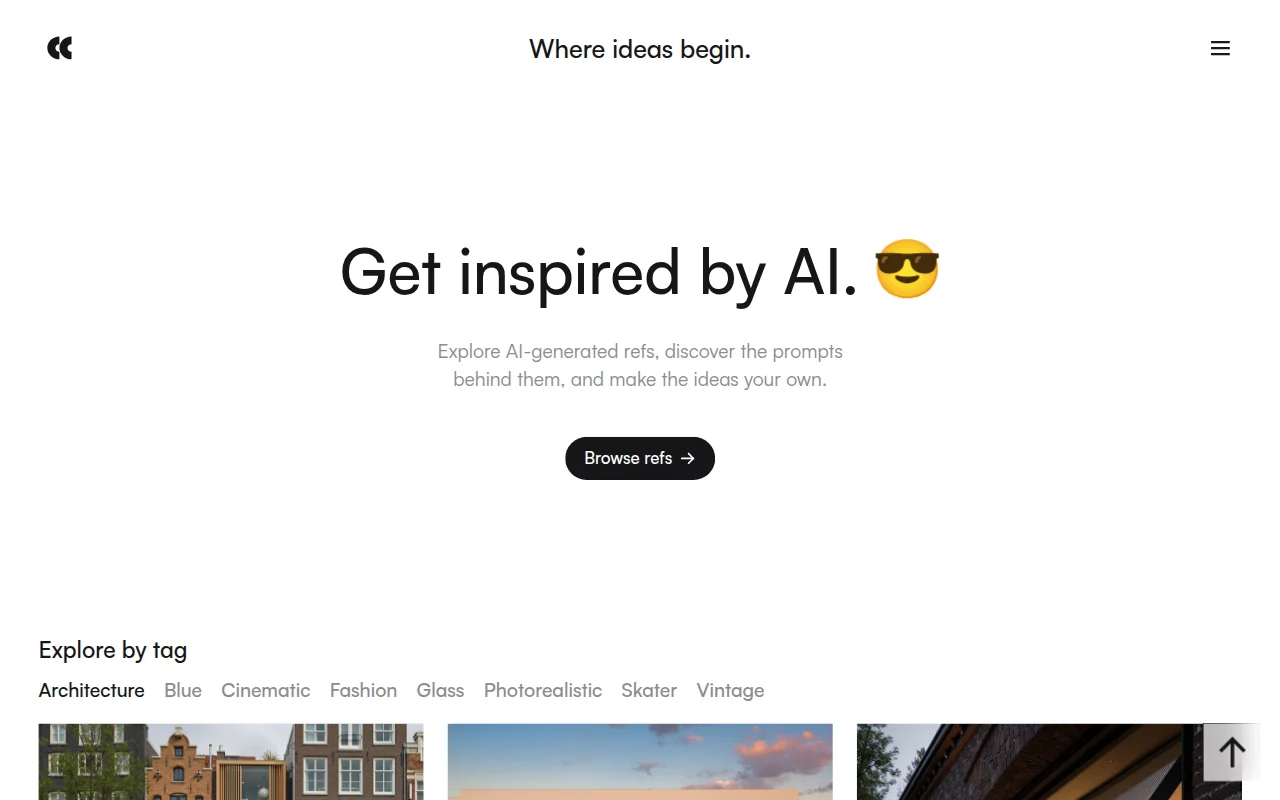
Every image on ctrlc.ai is AI-generated and published with the exact prompt that made it, so you can start from a result you like instead of a blank prompt.
Core features
Shows each curated image next to its full prompt.
Lets you copy a prompt in one click or save images to collections.
Releases every gallery image under CC0, so you can also use the image itself in commercial work.
Best suited for
Designers who want a visual reference before writing a prompt.
Creators who keep a library of prompts they reuse across projects.
The limit: the library is smaller than the community archives above and focuses on images.
Matching platforms to your workflow
Which one to open depends on the task:
Broad community exploration and learning: Browse PromptHero to study how open-community creators experiment with different keywords and styles.
Purchasing tested templates: Turn to PromptBase when you need a template for repeatable assets like icon sets or illustration packs.
Model-native parameter exploration: Check the Midjourney feed to track real-time visual trends and learn model-specific command syntax.
Trending prompts across media: Check YouMind for this week's popular image and video prompts, filtered by model.
Rebuildable image references: Use ctrlc.ai when you want an image you can recreate, since the exact prompt comes with it.
For image references without prompts, see 5 visual reference platforms every designer should explore in 2026.