Is there a real quality difference between ChatGPT Images 2.5 Flare and Sunburst?
Is there a real quality difference between ChatGPT Images 2.5 Flare and Sunburst? In our tests through the OpenAI API, detail and resolution looked the same. The differences were in how each model handled depth and color.
OpenAI introduced the two variants for developers, describing Flare as speed-optimized and Sunburst as built for fine detail and artistic fidelity. We ran both on the same fine art prompts to see whether that difference shows up in the images.
Three facts are useful before the results:
First, this model choice is primarily exposed in developer environments via the OpenAI API. Standard ChatGPT web users interact with an automated routing layer behind the scenes.
Second, both models share identical API pricing: text inputs cost $5.00 per million tokens ($1.25 cached), image inputs cost $8.00 per million tokens ($2.00 cached), and outputs cost $30.00 per million tokens. Flare is not a discounted tier, nor is Sunburst billed as a premium upgrade.
Third, OpenAI positions Flare for up to 50 percent lower latency, while framing Sunburst as the preferred choice for detailed single images and iterative multi-turn editing.
Since both cost the same, the question is simple: does Sunburst deliver noticeably higher visual fidelity, or do the two models simply operate with different stylistic biases?
How we set up the comparison
To reduce the effect of one lucky or unlucky output, we ran each prompt four times on each model and checked which traits repeated.
We tested two demanding fine art scenarios designed to evaluate material texture, compositional depth, and color handling.
Test prompts
Prompt 1: Surrealist graphic art exhibition poster
A fine art exhibition poster blending surrealism and modern architectural abstraction. In the center, a sculptural travertine stone monolith floats weightlessly above a smooth reflective water surface, surrounded by delicate dried desert botanicals and a minimalist brass geometric ring. The background features warm terracotta and deep indigo color blocks with subtle tactile handmade paper texture and soft morning gallery lighting. Clean composition, fine art print aesthetics, museum exhibition framing, high-end editorial layout.Prompt 2: Atmospheric romanticism oil landscape
A dramatic and poetic fine art oil painting of a rugged coastal basalt cliff during a severe dawn thunderstorm. Thick, expressive impasto brushstrokes and layered oil glazes capture crashing ocean waves spraying into the air, with golden dawn light breaking through heavy dark storm clouds. Rich chiaroscuro contrast, visible canvas weave texture, emotive atmosphere, classic romanticism landscape fine art.Same detail, different depth and color
Across our repeated test batches, overall resolution and detail rendering remained virtually identical. Both models captured fine paper tooth, botanical stems, and oil impasto textures with high fidelity.
What differed, consistently, was how each model built space and handled color.
Prompt 1: Flat graphic planes versus dimensional room volume
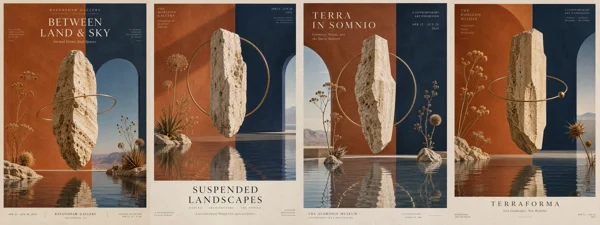
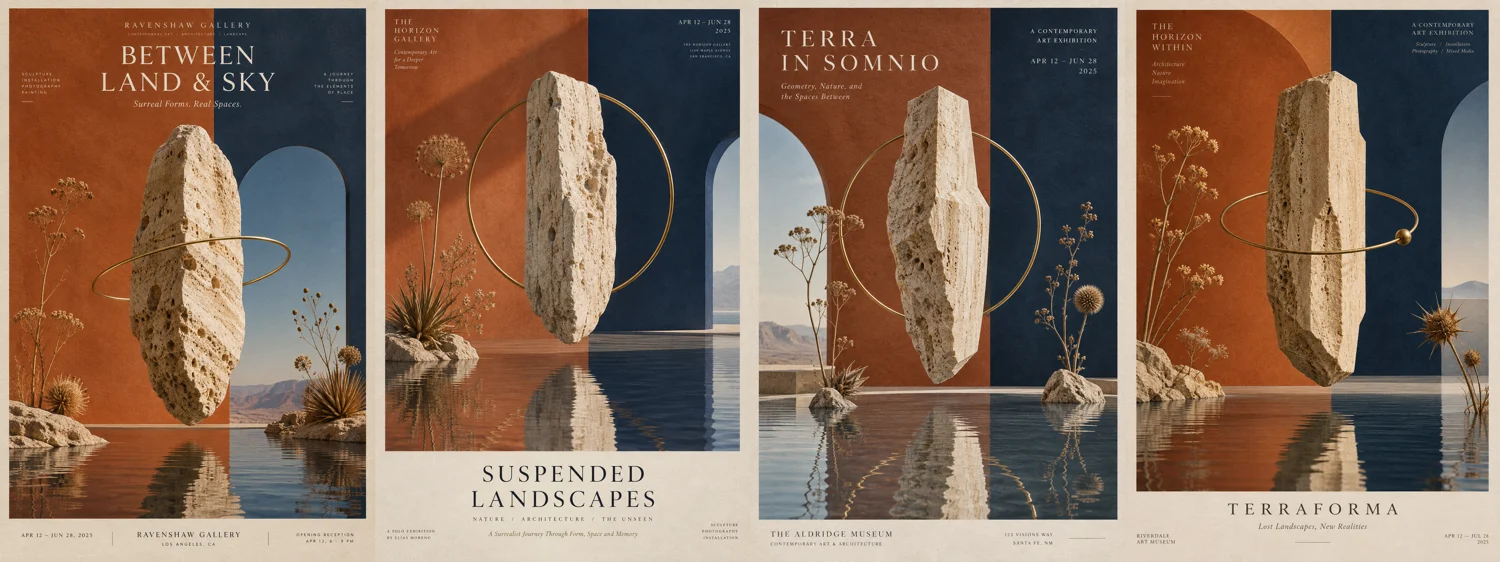
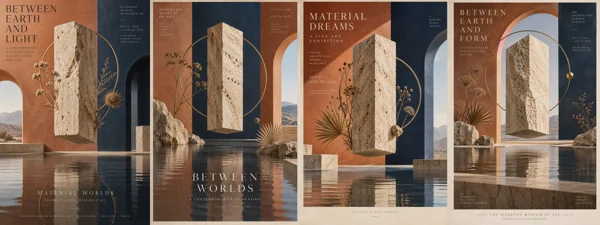
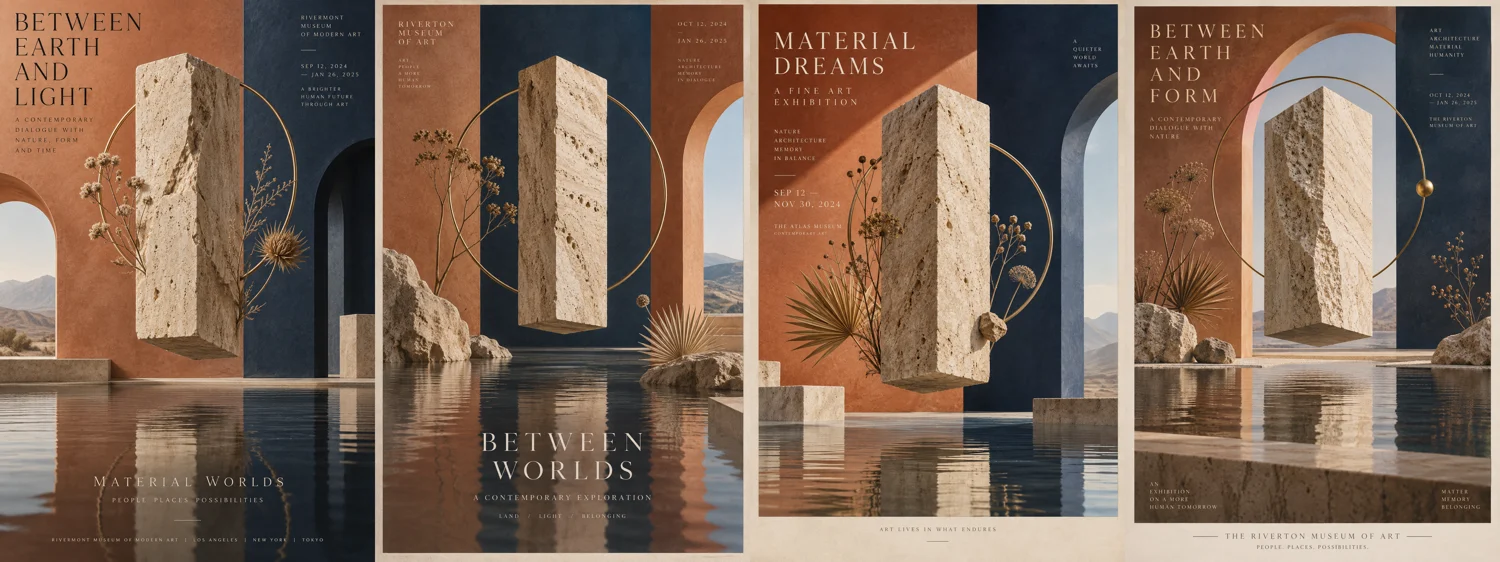
In the surrealist poster test, the primary divergence appeared in how each model constructed spatial perspective behind the subject.
Flare interpreted the terracotta and indigo background blocks as a flat graphic backdrop. While effective for graphic print layouts, this created a slight visual separation from the central travertine monolith, which was rendered with realistic three-dimensional lighting.
Sunburst consistently treated the scene as a physical, dimensional environment. The background receded with natural perspective, creating a cohesive spatial relationship between the reflective water surface, the floating stone monolith, and the surrounding gallery walls.
Prompt 2: Warm ambient tinting versus authentic black basalt
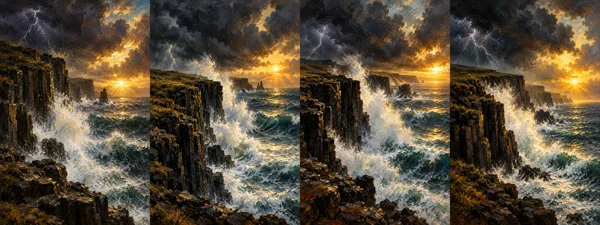
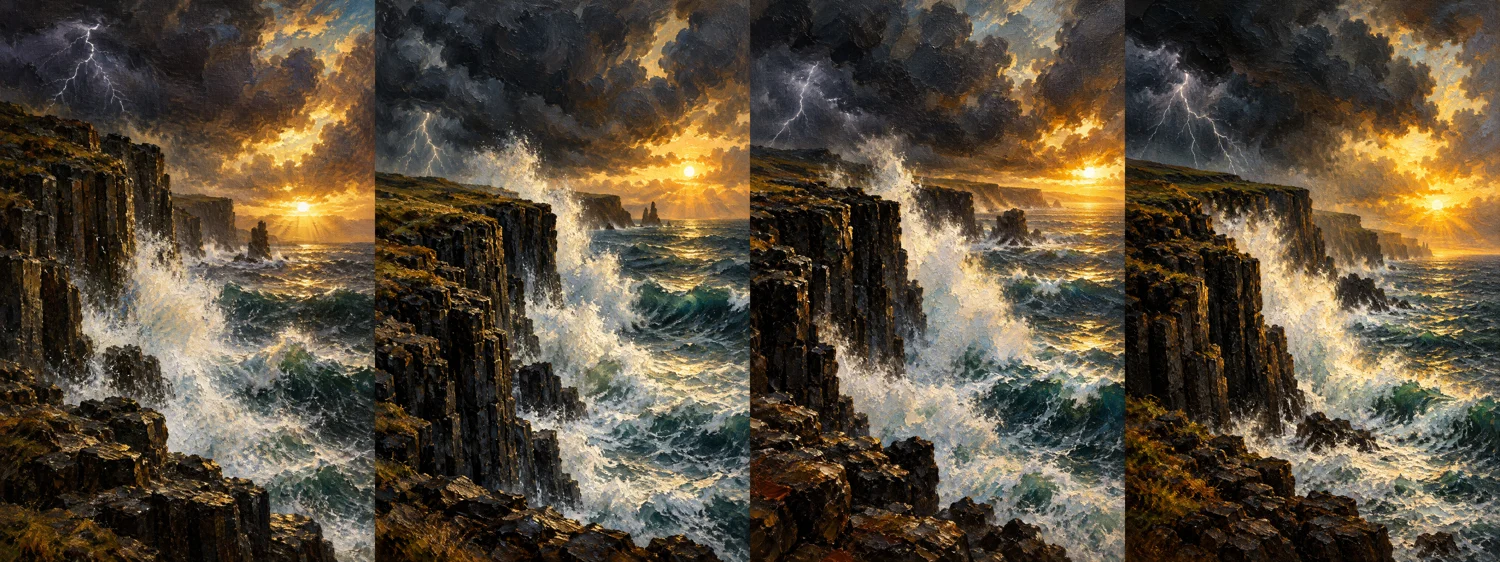
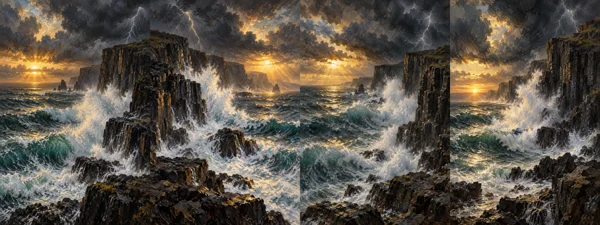
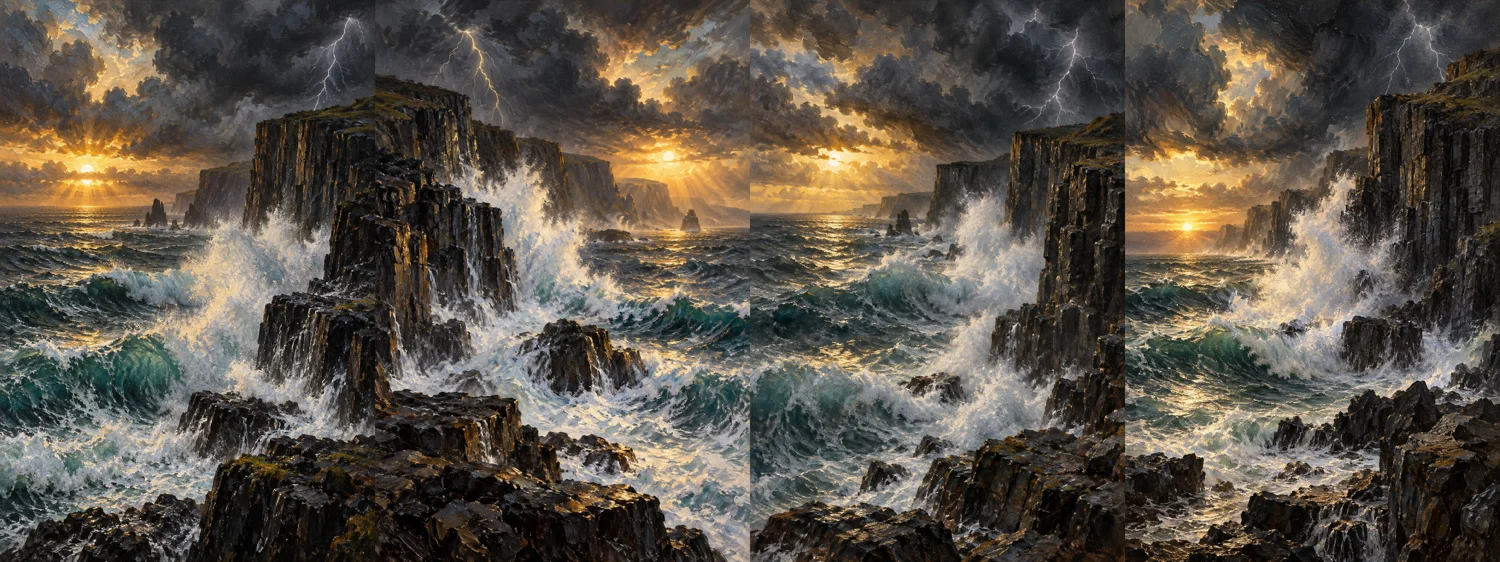
Our oil landscape test revealed an even clearer color handling difference that held steady across all four runs.
When rendering the storm-swept coastal cliffs, Flare consistently gave the rock formations a warm, yellowish-brown cast. The model allowed the warm sunrise light to spill over and alter the base color of the rock face.
Sunburst rendered the cliffs in authentic dark charcoal and deep black basalt tones. It correctly illuminated the sea spray and cloud edges with golden light while keeping the underlying stone neutral and true to life.
Because the same split appeared in all four runs, it looks like a consistent tendency of each model rather than chance, at least for this prompt.
Latency observations and single-shot workflow reality
During our live tests, Flare returned finished images noticeably faster than Sunburst. While a two-to-three second difference per image may seem small during exploratory prompting, that latency gap becomes substantial when batch-processing hundreds of visual assets through an automated pipeline.
Across our runs, Sunburst did not produce more detail than Flare. Texture, brushwork, and canvas weave looked the same in both. For single images, the choice comes down to how you want depth and color handled.
Choosing between Flare and Sunburst
With identical pricing, we would choose like this:
Use Flare for single-shot generation and high-volume pipelines: If your project requires generating marketing concepts, editorial banners, or bulk prompt variations quickly, Flare matched Sunburst's detail and returned images about two to three seconds faster in our tests.
Use Sunburst when spatial depth and neutral dark materials are critical: If your prompt relies on architectural perspective, dimensional room layouts, or materials like charcoal, basalt, and cool slate that must resist warm ambient color bleed, Sunburst delivers more grounded physical environments.
Consider Sunburst for multi-turn editing: OpenAI positions Sunburst as the better choice for successive conversational edits. We did not test editing in this comparison.
These results come from two prompts, four runs each per model, through the OpenAI API. Pricing and model behavior may change, so check OpenAI's current documentation. For how 2.5 differs from 2.0, see What changed in ChatGPT Images 2.5 compared to 2.0?