Tools
Explore
Collections
Tools
Blog
Sign in
Image tools for your next project.
Convert, edit, and analyze images in your browser.
Free to use in your browser, with no sign-in.
Image tools
All
52
Editor
36
Converter
10
Utility
6
Popular
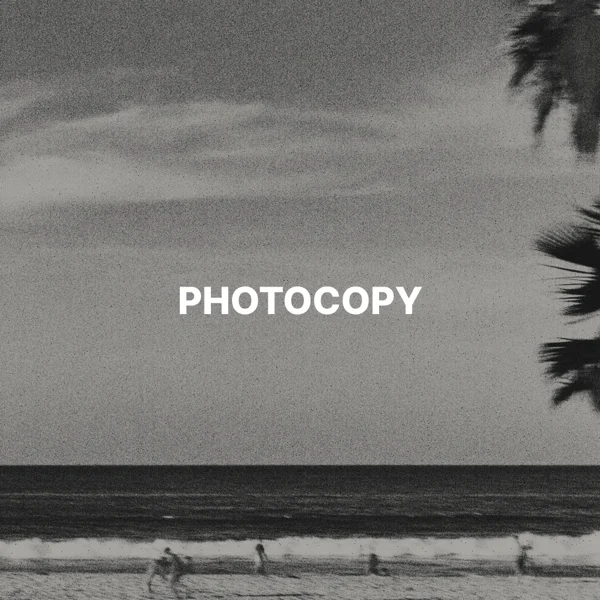
Photocopy effect
Make an image look photocopied.
Risograph print effect
Print an image with two inks and offset dots.
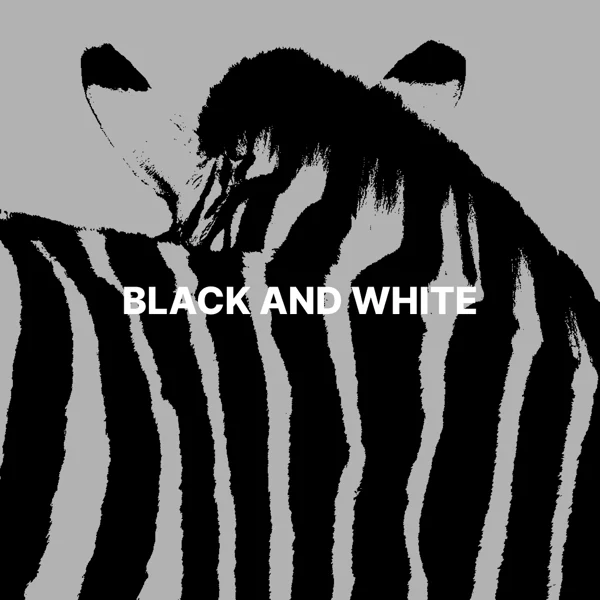
Black and white threshold
Turn pixels pure black or white.
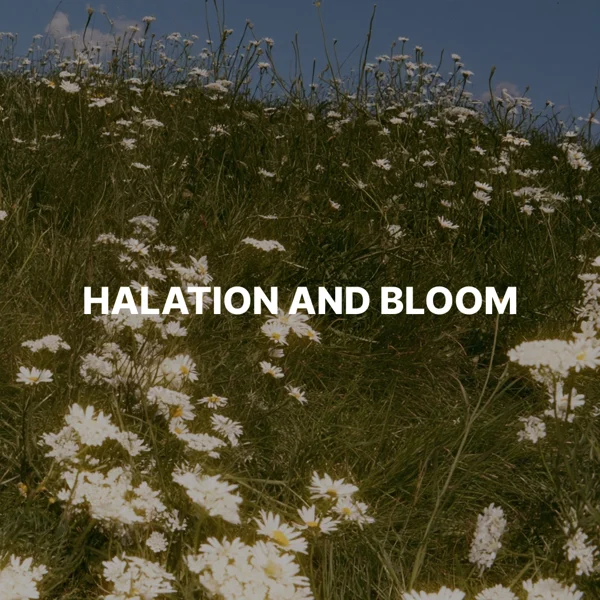
Halation and bloom
Add a film glow around highlights.
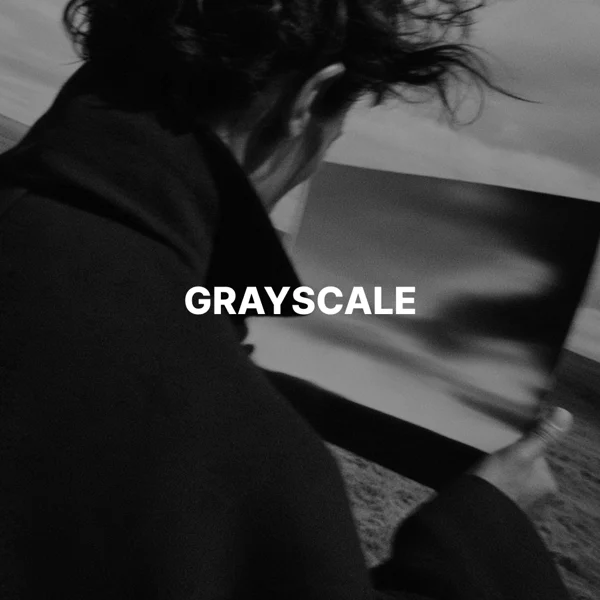
Grayscale image
Remove some or all of the color.
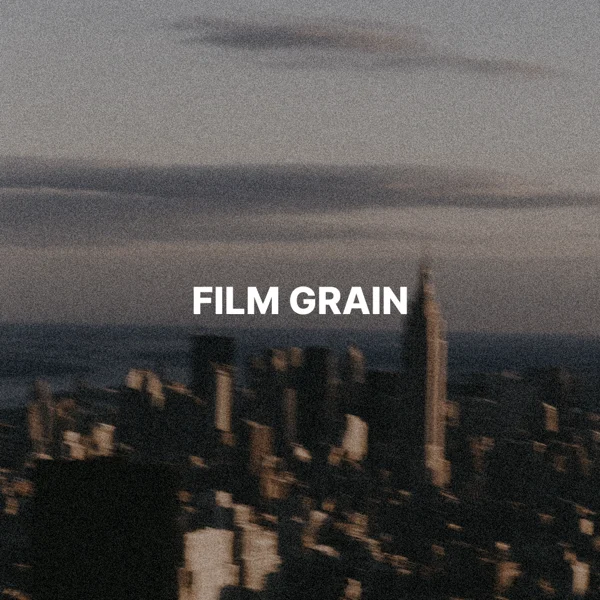
Film grain
Add a light or strong film texture.
TikTok photo resizer
Fit an image to a vertical 1080 × 1920 px frame.
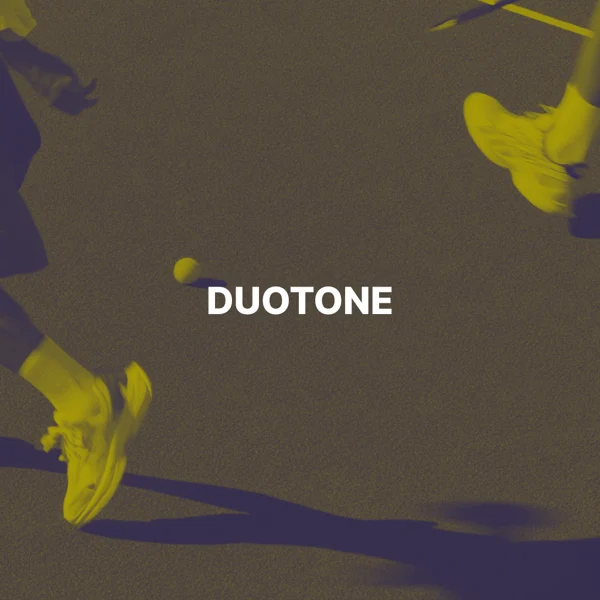
Duotone image
Map shadows and highlights to two colors.
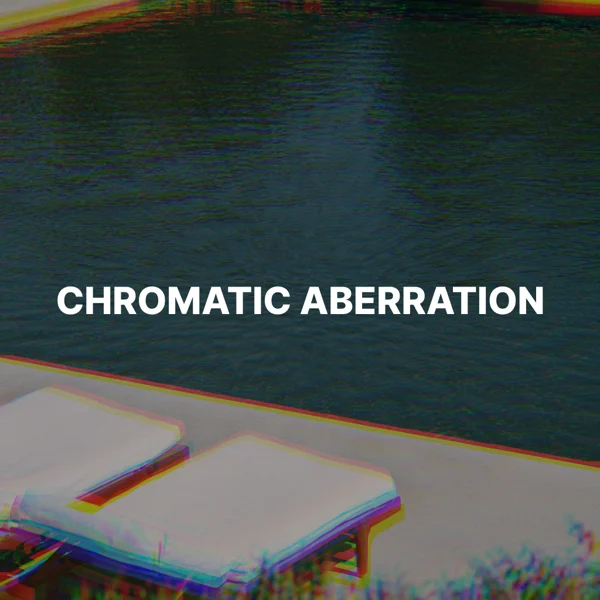
Chromatic aberration
Add red and blue color fringes.
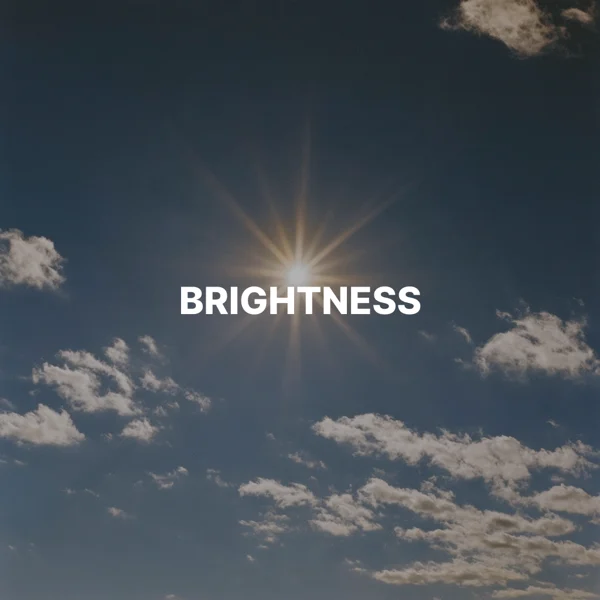
Image brightness
Brighten or darken an image.
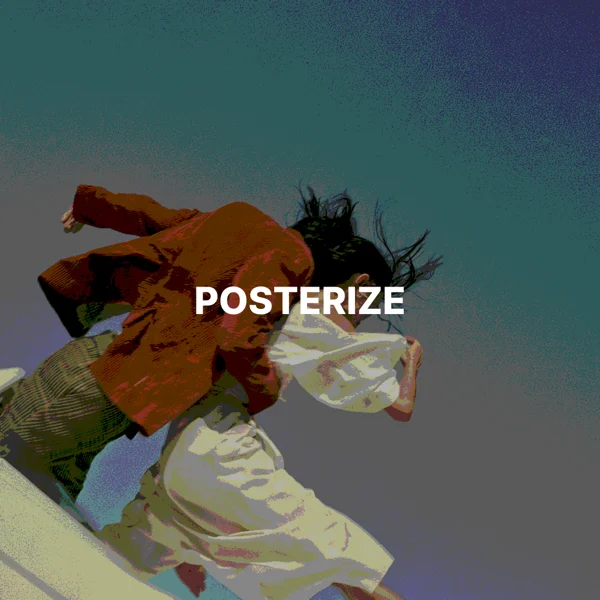
Posterize image
Reduce color levels for a graphic look.
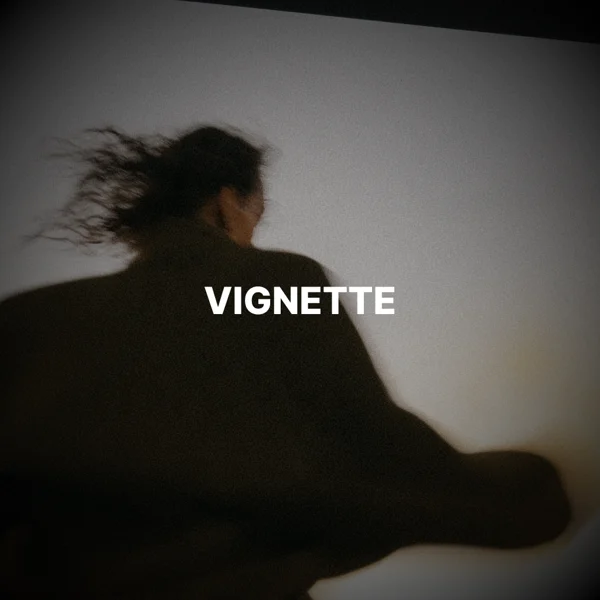
Vignette
Darken the edges to focus on the center.
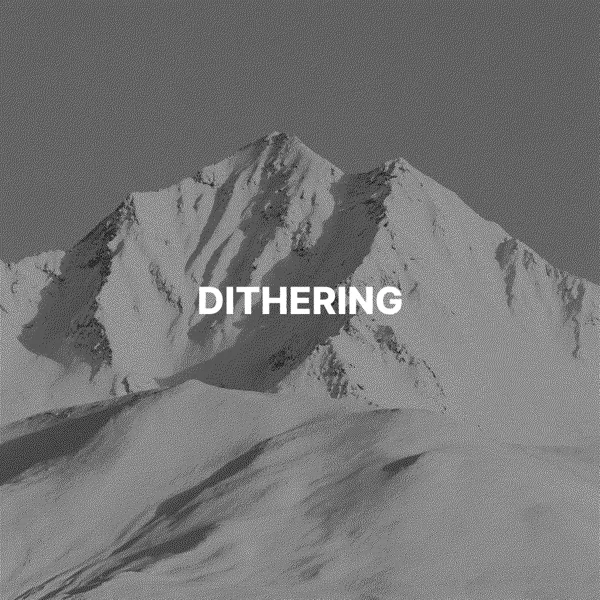
Image dithering
Turn tones into a black and white pattern.
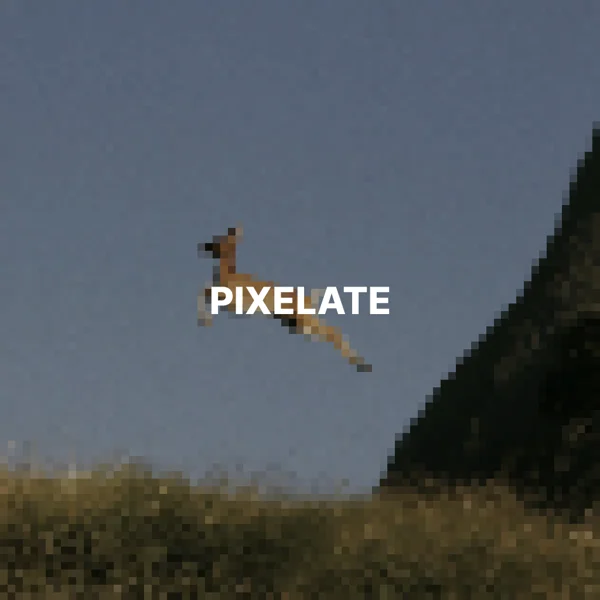
Pixelate image
Turn an image into blocks of color.
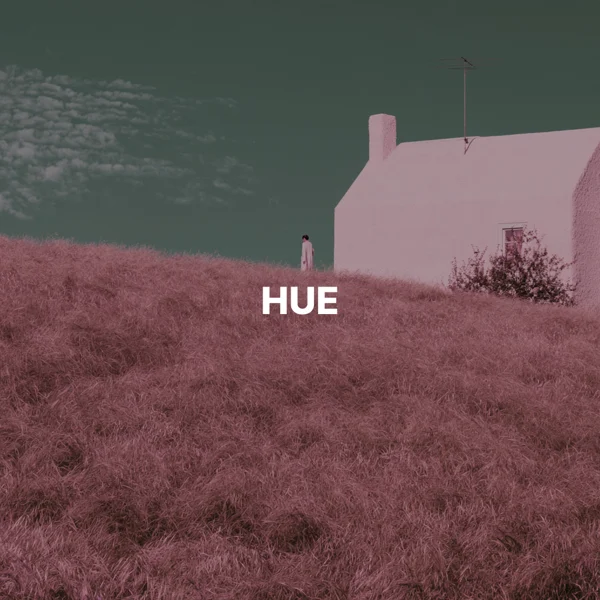
Image hue changer
Shift colors with a hue slider.
Resize image
Set the width and height in pixels.
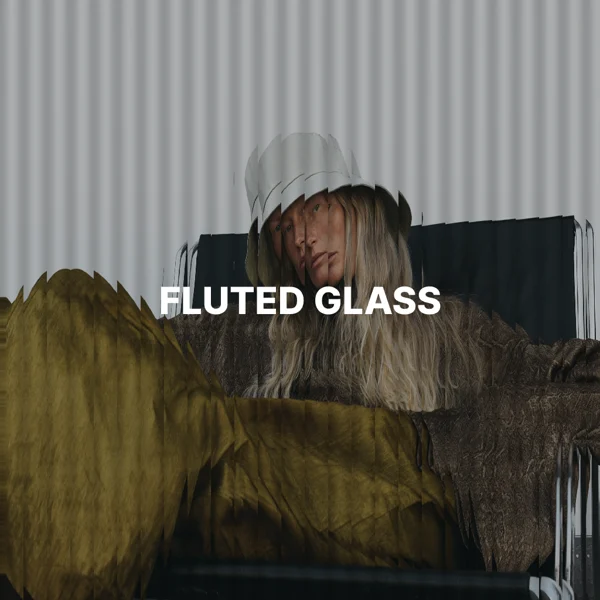
Fluted glass effect
Distort an image through reeded glass ribs.
Image contrast
Increase or reduce the contrast.
Flip image
Mirror an image horizontally or vertically.
Image to ASCII art
Redraw an image with text characters.
Blur image
Soften an image with an adjustable blur.
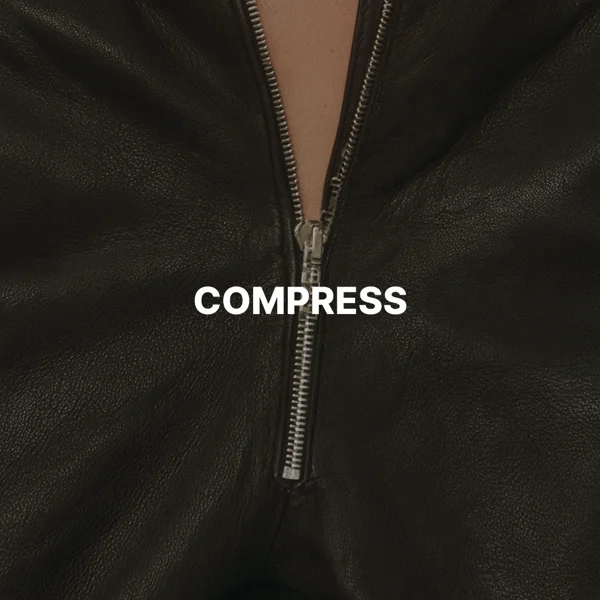
Compress image
Reduce the file size of a JPG or WebP.
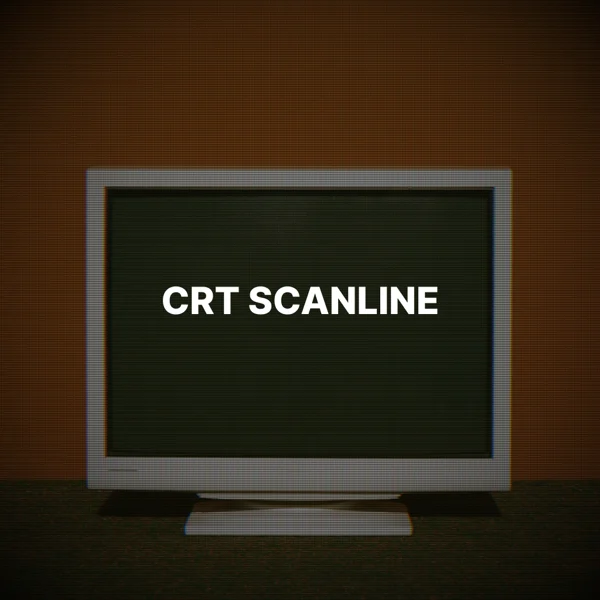
CRT scanline effect
Add scanlines and an old screen look.
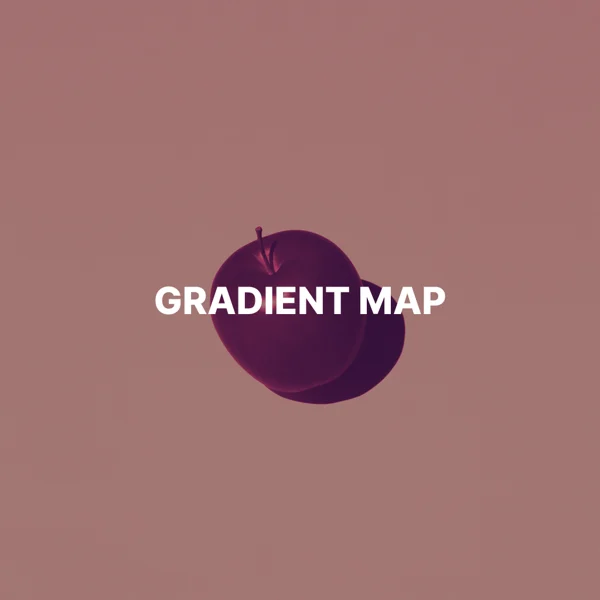
Gradient map
Recolor tones with a three-color gradient.
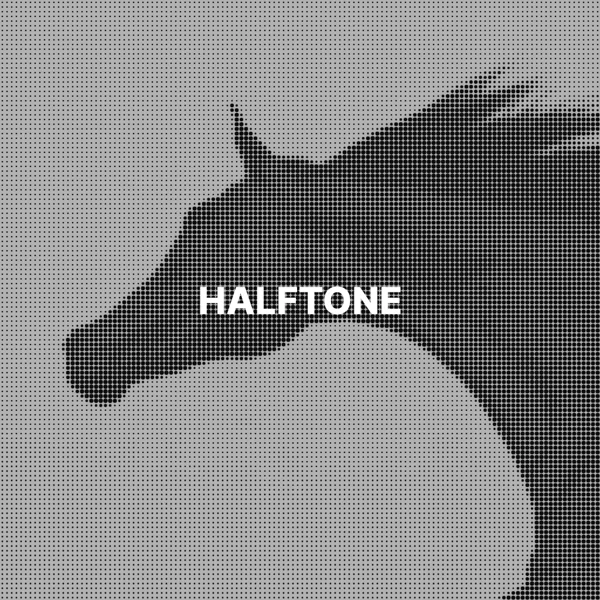
Halftone image effect
Turn an image into black halftone dots.
Image padding
Add even space and a background color.
Image saturation
Make colors more vivid or more muted.
Instagram image resizer
Fit an image to a post or story.
Invert colors
Turn colors into their opposites.
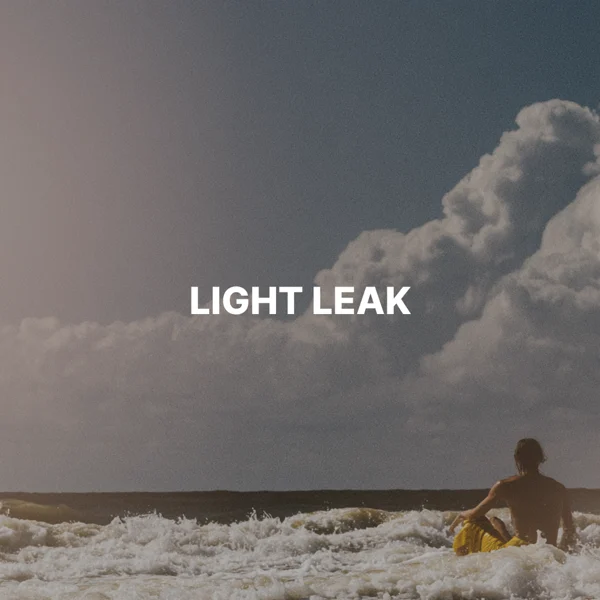
Light leak
Add a warm film light leak.
Pinterest pin resizer
Fit an image to a standard or square pin.
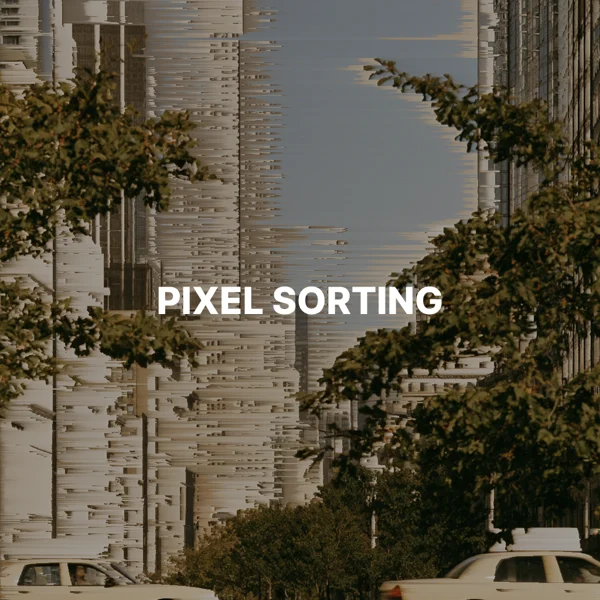
Pixel sorting
Sort bright pixels into glitch streaks.
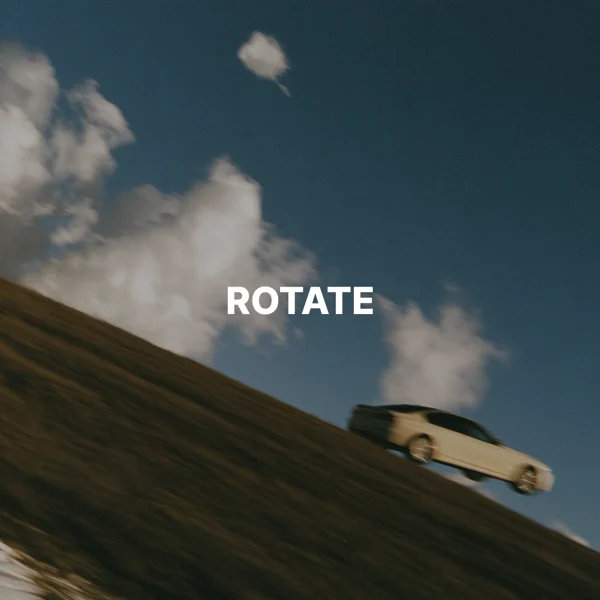
Rotate image
Turn an image by 90, 180, or 270 degrees.
Rounded corners
Add transparent rounded corners.
Sepia image
Give an image a warm sepia tone.
X header and image resizer
Fit an image to an X header or post.